Every buy, sell, swap, send, receive and phone top-up tells part of your money’s story. In your Zypto crypto wallet, that whole story now lives in one place, ready when you need it.
Since v1.30, your crypto transaction history has its own screen in Zypto App, with a search bar, filters, and export to PDF or CSV.
A new home for your crypto transaction history
Transaction History opens from Home, and it replaces the transaction list that used to sit there, so your full history gets a screen of its own.
Your transactions are grouped by day, and each one shows what it was, when it happened and the amount, so you can scan back through your week at a glance.
Find any transaction in a few taps
Looking for that USDT you sent a friend last month? Or checking whether a payment has gone through? Start typing in the search bar, or narrow things down with filters:
- Type, such as a buy, sell, swap, send or receive.
- Category and currency.
- Network, for the blockchain a transaction ran on.
- Direction, for money coming in or going out.
- Status, to see what’s completed and what isn’t.
- Recipient, for everything you’ve sent to one person.
- Amount and date, to zero in on exactly the one you want.
Tap any transaction to open its full details.
Made for everyday moments
A few ways the filters help day to day:
- Settling up with friends. Filter by recipient to see everything you’ve sent one person.
- Checking a payment landed. Filter by direction and status to see what’s come in and whether it’s completed.
- Following one coin. Filter by currency, such as USDT, to see every move it’s made.
- Looking back over a month. Filter by date to review your spending and swaps for that stretch.
Export your history to PDF or CSV
Sometimes you need your records outside the app. Tap the export button on the Transaction History screen and choose a file format:
- PDF, a document you can read, save or share.
- CSV, a spreadsheet you can open in Excel, Google Sheets or Numbers.
It’s handy when you’re doing your monthly budget, keeping your own accounts, or pulling records together at tax time.
How to search and export your crypto transaction history
- Update to v1.30 from the App Store or Google Play.
- Open Zypto App and go to Transaction History from Home.
- Search for a transaction, or tap a filter such as Type, Status or Amount.
- Tap a transaction to see its full details.
- To export, tap the export button and choose PDF or CSV.
More from Zypto App v1.30
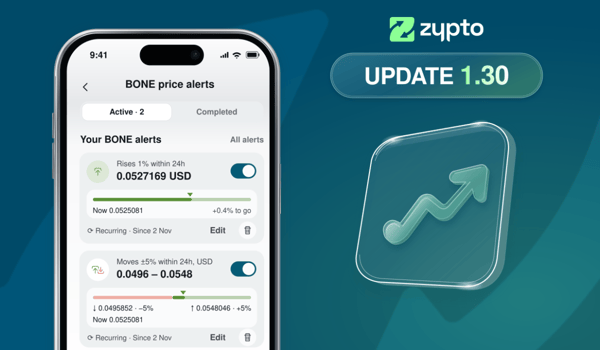
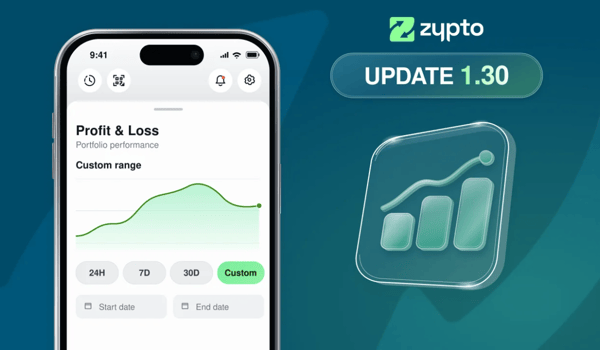
Your transaction history shows where your money went. Your profit and loss shows how your holdings are doing: here’s how to track your crypto profit and loss. And to hear the moment a token moves, set crypto price alerts. Catch up on everything else in Zypto App v1.30.
With your crypto transaction history searchable, filterable and ready to export, every transaction is a few taps away.
Free Your Money. With Zypto.
Frequently Asked Questions
Where is my crypto transaction history in Zypto App?
From v1.30, Transaction History has its own screen, which you open from Home. It replaces the transaction list that used to sit on Home.
How do I find a specific transaction?
Use the search bar on the Transaction History screen, or filter by type, category, currency, network, direction, status, recipient, amount or date.
Can I export my crypto transaction history?
Yes. Tap the export button on the Transaction History screen and choose PDF or CSV.
What's the difference between the PDF and CSV exports?
A PDF is a document you can read, save or share. A CSV is a spreadsheet file you can open in apps like Excel, Google Sheets or Numbers.
How do I see the details of a transaction?
Tap the transaction in your history to open its full details.
Prices, fees, features and availability mentioned in this article were correct at the time of publishing and may have changed since.
Related topics