A wallet with nothing in it doesn’t do much. The usual answer to how to buy crypto is to open an account somewhere else, verify your identity there, buy, then work out how to move it across. That’s three steps more than anyone wanted when all they were after was some crypto in their own wallet.
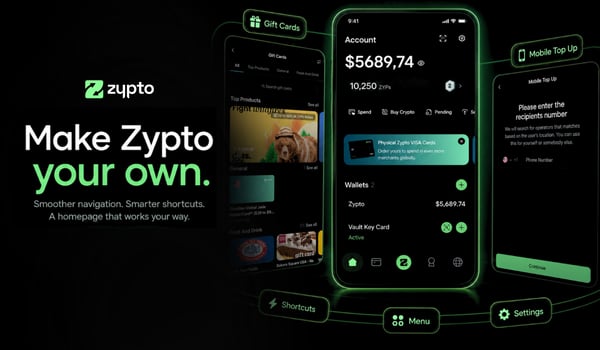
Zypto App buys it straight into the wallet you already hold. Tap Buy Crypto on the home screen and you get two routes: a local onramp that takes the payment methods people use in your country, or physical cash over the counter at a participating MoneyGram location. Either way the crypto arrives in your own non-custodial wallet.
Here’s how both work.
Two ways to buy crypto
Open Zypto App and tap Buy Crypto on the home screen. You get two choices:
- Buy via Local Onramp, which uses the payment options available where you live.
- Buy via MoneyGram, which lets you pay cash at the counter and receive USDC.
Pick whichever matches what you’re paying with.
How to buy crypto with a local payment method
This is the route for paying the way you’d pay for anything else in your country.
- Tap Buy via Local Onramp, then choose the Zypto App wallet you want to buy into.
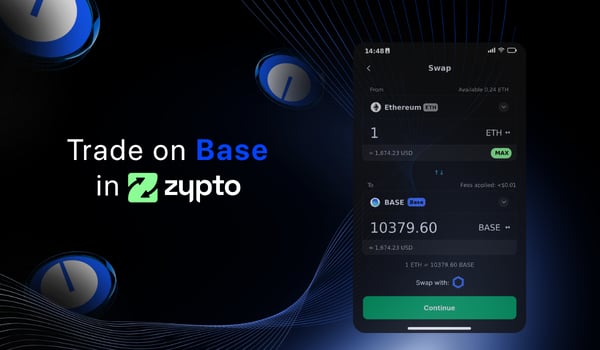
- Choose the blockchain or network you want to buy on. Bitcoin, Ethereum, Base and Avalanche are all there, alongside the rest of the networks Zypto App supports.
- Choose the asset you want on that network. USDC on Base, USDT on Ethereum, the network’s native coin, whatever you’re after.
- You’ll be shown the payment options available in your country. Choose one and continue.
- Your crypto is credited to your Zypto App wallet.
Choosing the wallet first is worth half a second of thought if you keep several. Buy into the one you’ll be using the crypto from and you save yourself a transfer afterwards.
What you can pay with
The onramp carries 130+ payment methods. The ones most people reach for:
- Card. Visa, Mastercard and Maestro, debit or credit.
- Mobile wallets. Apple Pay, Google Pay and Samsung Pay.
- Bank transfer. SEPA Instant across the EU, ACH in the US.
- Local methods. Revolut Pay, Skrill, PIX and Alchemy Pay, plus the ones people use day to day in each market.
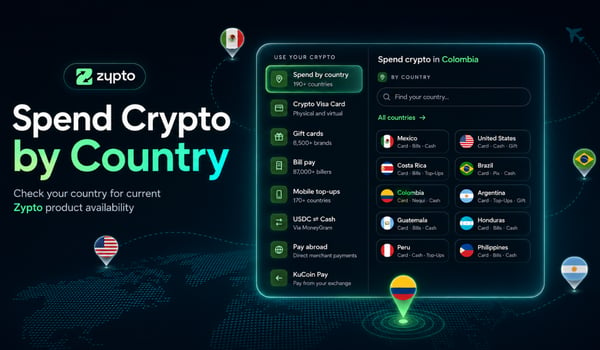
Which of those you see depends on where you are. Checking takes about twenty seconds, and the list in the app is the live one. Open Zypto App, tap Buy Crypto, pick a wallet and a network, and the payment options you’re shown are yours.
Buy via MoneyGram
This route lets you pay physical cash at the counter and walk away with USDC in your own wallet. No bank account required.
- Tap Buy via MoneyGram, then choose the Zypto App wallet you want the USDC deposited into.
- Activate your Stellar trustline. It requires 0.5 XLM.
- Choose how much USDC you want to buy.
- Tap continue and complete the steps on screen.
- Check in Zypto App for your nearest participating MoneyGram location.
- Go to that location with your Zypto App and your order reference, and pay for your USDC order.
- Your Zypto App wallet is credited with USDC on Stellar.
What the trustline is for
A trustline is how Stellar records which assets your account is willing to hold. Until one is open for USDC, the account can’t receive it. So this is a one-time piece of setup before your first purchase rather than something you repeat, and it requires 0.5 XLM.
The counter works both ways
Worth knowing while you’re standing at it: you can cash out of USDC at a participating MoneyGram location as well as cash in. Full detail on that side of it is on the USDC ⇄ Cash page.
Which route suits you
- Paying with a local payment method, and you want a particular asset on a particular network? Local Onramp.
- Paying with physical cash, or you’d rather keep a bank out of it? MoneyGram, and what you receive is USDC on Stellar.
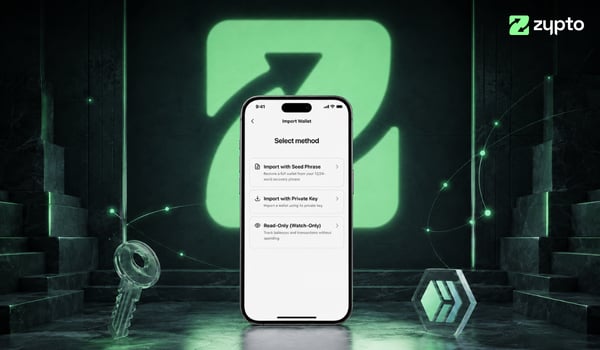
And if the crypto you want is already sitting in a wallet somewhere else, you don’t need to buy at all. Import that wallet instead and it lands next to everything else you hold.
What you can do with it once it’s there
Buying is the start of it. In the same app, on the same balance, you can:
- Send crypto to anyone, anywhere, at any hour.
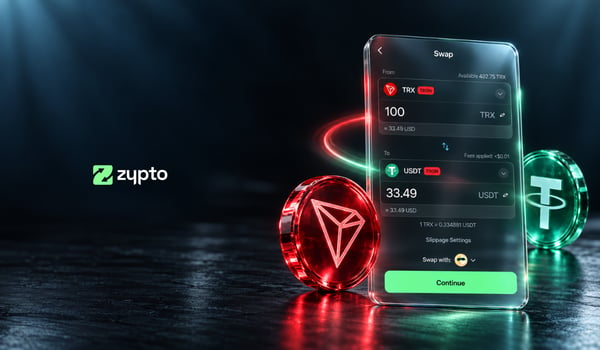
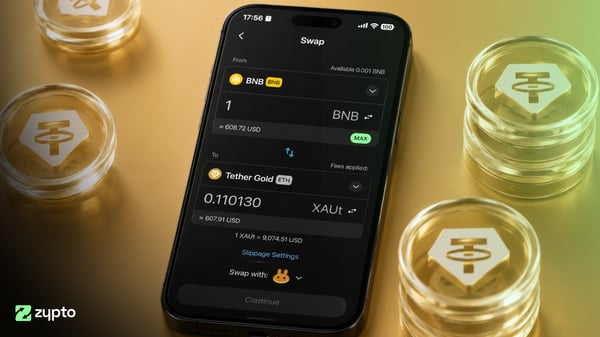
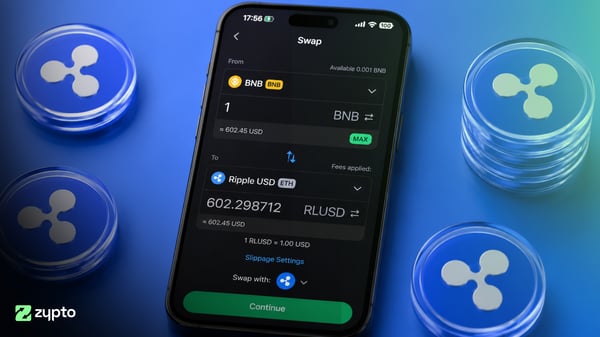
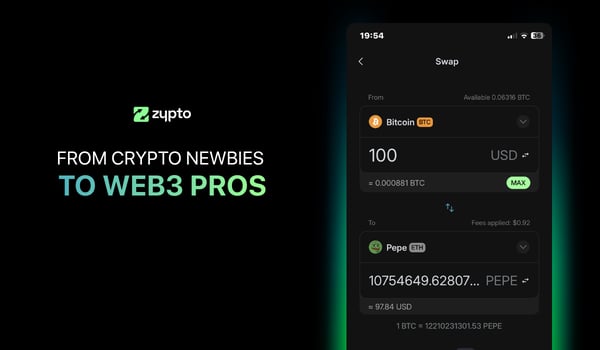
- Swap across chains without moving between apps.
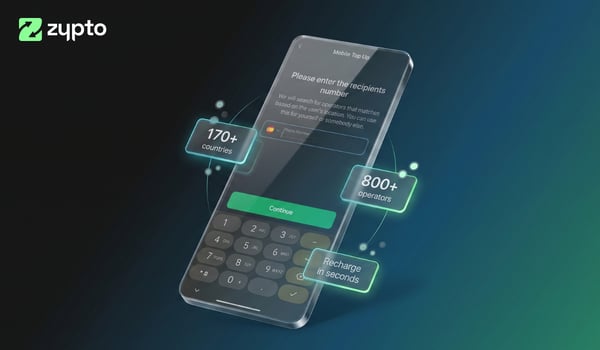
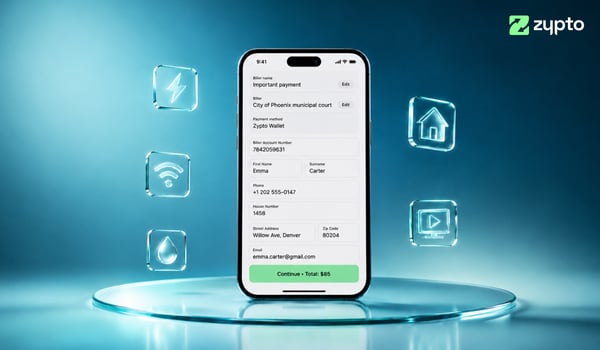
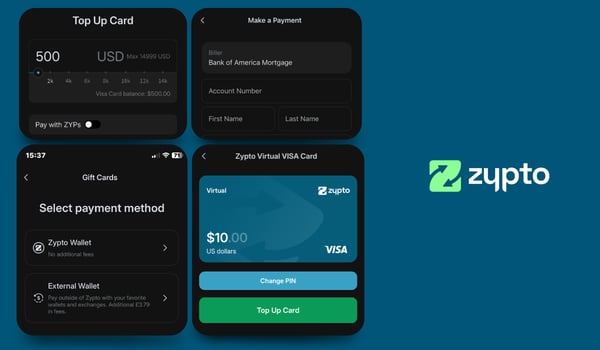
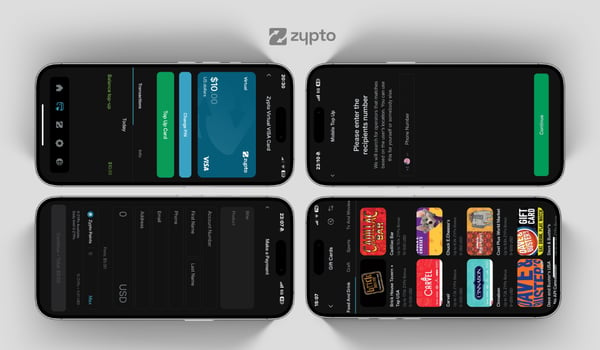
- Pay bills and top up mobile numbers.
- Buy gift cards and prepaid virtual cards from one catalog.
- Load a Zypto crypto card.
- Earn ZYPs as you go.
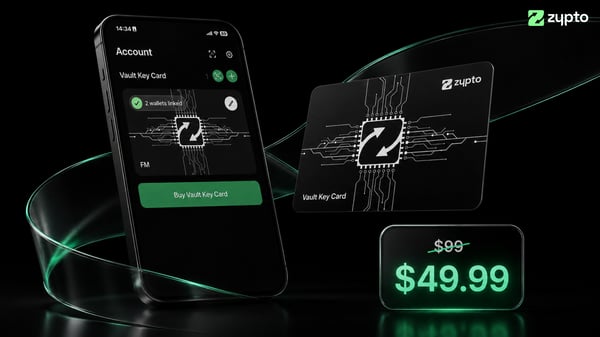
- Pair a Vault Key Card and move the keys into cold storage.
The crypto you buy is yours from the moment it lands. It sits in a wallet you hold the keys to, and it stays there while you use it.
That’s how to buy crypto in Zypto App, both ways. Download Zypto App, tap Buy Crypto, and pick your route.
Free Your Money. With Zypto.
Prices, fees, features and availability mentioned in this article were correct at the time of publishing and may have changed since.
Related topics