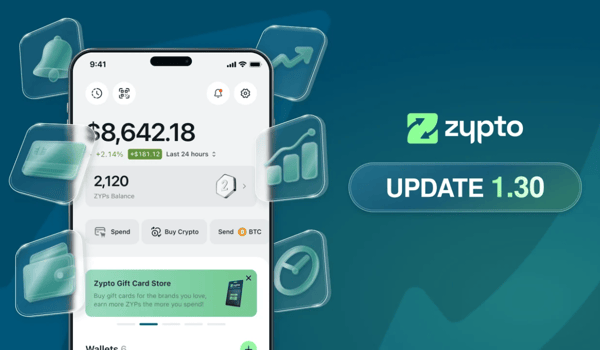
Refreshing a chart all day isn’t much fun. With your Zypto wallet app, you don’t have to: set an alert, put your phone away, and get on with your day.
Since v1.30, you can set crypto price alerts on any token in Zypto App. Pick the price or the move you care about, and the app tells you the moment it happens.
What crypto price alerts do for you
Crypto never closes. Prices move overnight, at weekends and while you’re busy with everything else.
A price alert watches the market for you. Waiting for a coin to reach a price before you buy? Want to know if something you hold has a big day? Set an alert, and Zypto App sends you a notification when it happens.
Choose the alert that fits
Every alert is built from a few simple choices:
- Alert type. Pick a target price, such as “tell me when this token reaches $1”, or a percentage change, such as “tell me if it moves 5%”.
- Direction. Choose whether you want to know when the price rises, falls, or both.
- Window for a % change. For percentage alerts, choose how long the move can take: 24 hours, 48 hours, 1 week or 1 month.
- Notify me. Get told once, or every time it happens. Alerts set to every time show as “Recurring” in your list.
So you could ask to hear when a token you’re watching falls to your target price, or every time a coin you hold moves 5% either way within 24 hours.
How to set a crypto price alert
- Update to v1.30 from the App Store or Google Play.
- Open Zypto App and tap the token you want to watch.
- Tap Price Alert.
- Choose your alert type, direction, window and how often to be notified.
- Tap Add alert.
That’s it. Your alert is live and watching the market for you.
Keep track in My price alerts
“My price alerts” keeps everything in one place, split into Active and Completed.
Each active alert shows the price right now and how far it still has to go, so you can see at a glance how close it is. A switch on each alert turns it on or off.
Plans change, so you can edit or delete an alert at any time. Finished alerts sit under Completed, and you can set any of them again whenever you like.
Your alerts work across every wallet
Your alerts are saved on your device and shared across all your wallets, so switch wallets and your alerts come with you.
Make sure you hear about it
Price alerts arrive as notifications, so it’s worth keeping push notifications switched on. If they’re off, Zypto App asks you to turn them on when you set an alert.
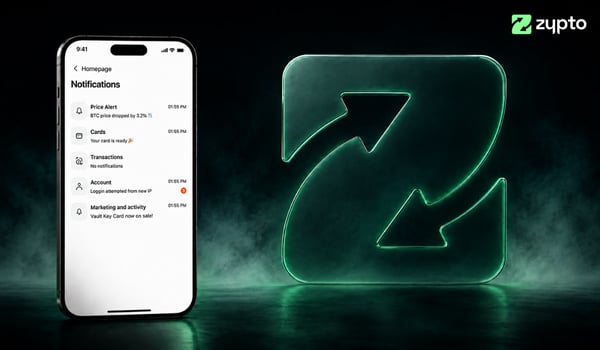
Price alert notifications have their own icons and their own Price Alert group in the notification center, so they stand out from everything else. You can also switch each notification group on or off in Notification Settings.
Pair it with profit and loss
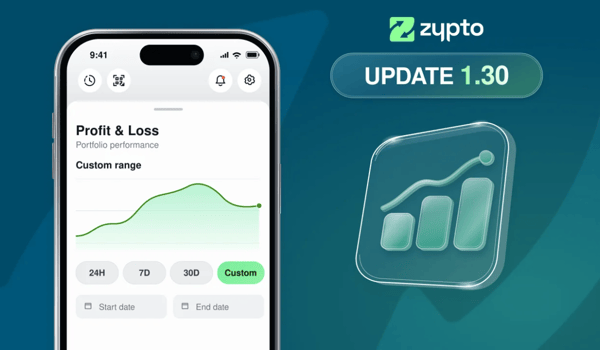
Price alerts tell you when something changes. Your profit and loss tells you what that change means for you. See how in our guide to tracking your crypto profit and loss, or read about everything else that arrived in Zypto App v1.30.
With crypto price alerts in Zypto App, the market comes to you, so you can stop watching the chart and get back to your day.
Free Your Money. With Zypto.
Frequently Asked Questions
How do I set a crypto price alert in Zypto App?
Open the token you want to watch, tap Price Alert, choose your alert type, direction, window and how often to be notified, then tap Add alert.
What kinds of price alert can I set?
A target price, or a percentage change over 24 hours, 48 hours, 1 week or 1 month. Each can trigger when the price rises, falls or both.
Can an alert notify me more than once?
Yes. Set Notify me to every time and the alert fires each time the price meets your condition. Choose once if you just want to hear about it the first time it happens.
Do my price alerts work across all my wallets?
Yes. Your alerts are saved on your device and shared across all your wallets.
Why am I not getting price alert notifications?
Check that push notifications are switched on for Zypto App, and that the Price Alert group is switched on in Notification Settings.
Prices, fees, features and availability mentioned in this article were correct at the time of publishing and may have changed since.
Related topics