The best crypto app for real-world use.
This is the full feature list for Zypto App, the self-custodial crypto app. It swaps across 20+ blockchains, buys and sells, spends on cards, pays bills and cashes out, in your language and your local currency. Every capability below lives inside one app you hold the keys to.

A multichain crypto app where every swap happens in one place.
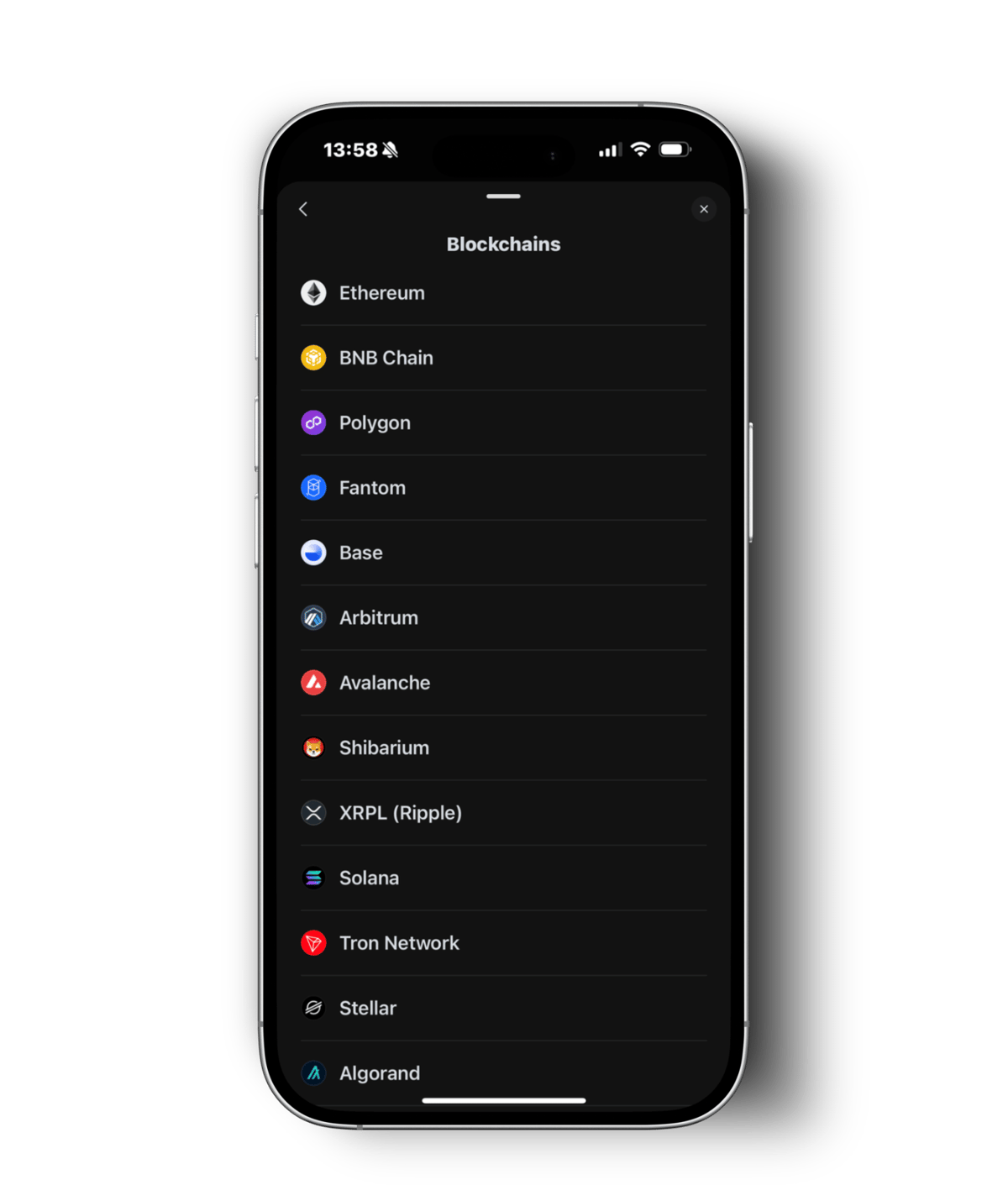
Same-chain and cross-chain swaps both run inside the app, in as little as 3 taps. There's no external bridge to find, no dApp to connect to, and no wrapped-token detour. You pick the two assets, the app finds the best available routes, you choose the best and sign it yourself.
Cross-chain routes across 20+ blockchains, plus named DEX venues for same-chain swaps. That's what a cross chain crypto app means in practice: pick two assets on two chains and the app handles the route.
Same-chain swaps
Chain and provider ArbitrumUniswap
 AvalancheUniswap
 BaseUniswap
 BNB ChainPancakeSwap
 EthereumUniswap
 OptimismNative Optimism
 PolygonUniswap
 ShibariumShibaSwap
 SolanaRaydium
 SuiAftermath
 TRONSunSwap
 XRP LedgerNative XRPL
Cross-chain, via Chainlink CCIP
Live chains- Ethereum
- BNB Chain
- Polygon
- Arbitrum
- Avalanche
- Optimism
- Base
- Solana
CCIP handles interoperability across 7 EVM chains plus Solana, so value moves between them without you leaving the app.
Routing and aggregation
Best route- ChangeNow
- SwapKit
These aggregators compare providers for the best available route and extend swaps across all 20 blockchains, cross-chain pairs included. They also keep the chains with no named same-chain DEX, such as Fantom, Algorand, Stellar, Bitcoin, Hive, Dash, Electroneum and Pi Network, fully swappable.
More depth on the multichain side lives on the multi-chain wallet page, and there's a walkthrough of how to swap cross-chain in Zypto App.
Swaps take from 30 seconds to 15 minutes, depending on the blockchains. Follow pending transactions in the 'Pending' section.
Every chain in the app
20 blockchains run natively in the wallet, each with its own assets, fees and send flow handled for you.







The best app for crypto is the one that speaks your language.
Pick your language in Settings and the whole app updates in real time, including balances, menus, transaction history and support screens. Both Chinese variants are supported, Traditional and Simplified.
30 interface languages
See your balance in your currency.
Set a display currency in Settings and every wallet balance, asset price and transaction is valued in it right away. This is display and valuation only. Zypto App holds no currency for you, and your assets stay on the blockchain, accessed via Zypto App.
Your language and currency are set. Now see what you can use.
The best crypto app to use is the one whose products are live where you are. Crypto cards, bill pay, mobile top-ups, gift cards, cash at MoneyGram and Pay abroad each cover different countries. The country pages list what is live where you are.
Find your countryPopular country pages
Money in, money out, from the same app.
Buying runs through the Onramper integration, which aggregates around 20 providers into 130+ payment methods across 190+ countries: credit and debit cards, bank transfers and the regional methods people actually use. Selling runs back through the same gateway.
payment methods to buy with
Pay with a card, a bank transfer or a local method available where you are, in 190+ countries. Your crypto lands straight in your Zypto App wallet.
- Debit and credit cards
- Bank transfer
- Regional methods
- 190+ countries
Four ways to cash out
-
Load a crypto card
The quickest off-ramp. Load a Zypto Visa card and the conversion happens at load and the balance is ready to use wherever Visa is accepted.
Crypto Cards -
Sell to your local currency
Sell through the same Onramper gateway you buy with, using the payout methods supported in your country.
-
Gift cards
Turn crypto into brand value at thousands of retailers, with no card order and no waiting.
Gift Cards -
USDC to physical cash
Convert USDC to cash, or cash to USDC in Zypto App, at participating MoneyGram locations.
USDC and Cash
The best crypto app for payments gives you more than one way to pay.
These are the ways you can pay for Zypto products and services inside the app: loading a crypto card, topping up a phone, buying a gift card, settling a bill and the rest. Pick whichever source suits you at checkout.
Zypto Pay
Pay for Zypto products and services from your Zypto App wallet, using 100+ cryptos and stablecoins across a full range of chains.
Learn more →Any external wallet or exchange
Pay from an external crypto wallet or exchange account instead, where that option is supported by the exchange.
Learn more →KuCoin Pay
Pay directly from your KuCoin account, wired into the app, so you don't have to move funds across first.
Learn more →Pay with ZYPs
Spend reward points across the ecosystem: card loads, gift cards, top-ups, bills, or a Vault Key Card.
Learn more →See every cryptocurrency and stablecoin you can pay with in the full accepted list.
A crypto app to spend crypto, in the places you already spend.
Crypto cards, bills, phone credit, gift cards, travel spending and physical cash all sit in the same app as your keys.
Crypto Visa cards
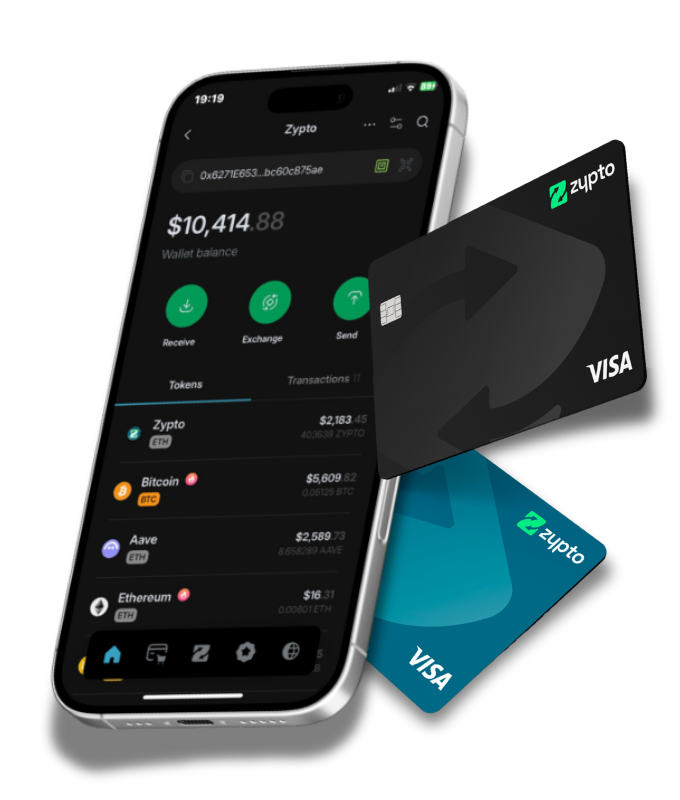
Virtual and physical Visa cards, funded from your crypto. Conversion happens when you load the card, and the balance works wherever Visa is accepted.
Crypto Cards →Pay bills with crypto
87,000+ billers across 120+ countries, with no bank account in the middle. Utilities, telecoms, rent, tuition and more.
Crypto Bill Pay →Mobile top-ups
Top up your own number or someone else's, worldwide, in a few taps.
Mobile Topups →Gift cards
Thousands of brands, bought with crypto and delivered in the app. Useful anywhere a card isn't the right fit.
Gift Cards →Pay abroad
Hold USDC or USDT and pay merchants, or send to friends and family, in their local currency. Live in Brazil over Pix and Colombia over Nequi, with no local bank account needed.
Pay abroad →USDC and cash at MoneyGram
Make a MoneyGram order in Zypto App to turn USDC into cash at any participating MoneyGram location.
USDC and cash →Real humans, 24/7. There's always someone to help.
Questions about a transaction, a card, or your wallet get a real person, not a bot loop. Live chat and the Zypto Help Center are open around the clock, every day of the year.
Get helpHow to reach us
- A real person, 24/7
- Live chat, in the app and on the site
- Help Center with step-by-step guides
Self-custody is the feature everything else rests on.
You hold the keys. You sign every transaction. Nothing is custodial, and nothing moves without your approval, including by us. No email address and no ID are needed to create a wallet.
- PIN and biometrics. Every account has a PIN, with optional fingerprint or face unlock on top.
- Disguise Mode. Hide the app behind a neutral icon, such as a calculator or a file manager, so it doesn't read as a crypto app on your home screen.
- Your keys, your approval. Every outgoing transaction is signed on your device. There's no Zypto-side override, freeze or reversal.
- Verified-tokens filter. Set it to verified only and airdrop clutter and unsolicited tokens stay out of your asset list, or switch to unverified only when you need to check something.
- Unlimited wallets. Create as many self-custodial, multichain wallets as you like, at no cost, and sort your assets however suits you.
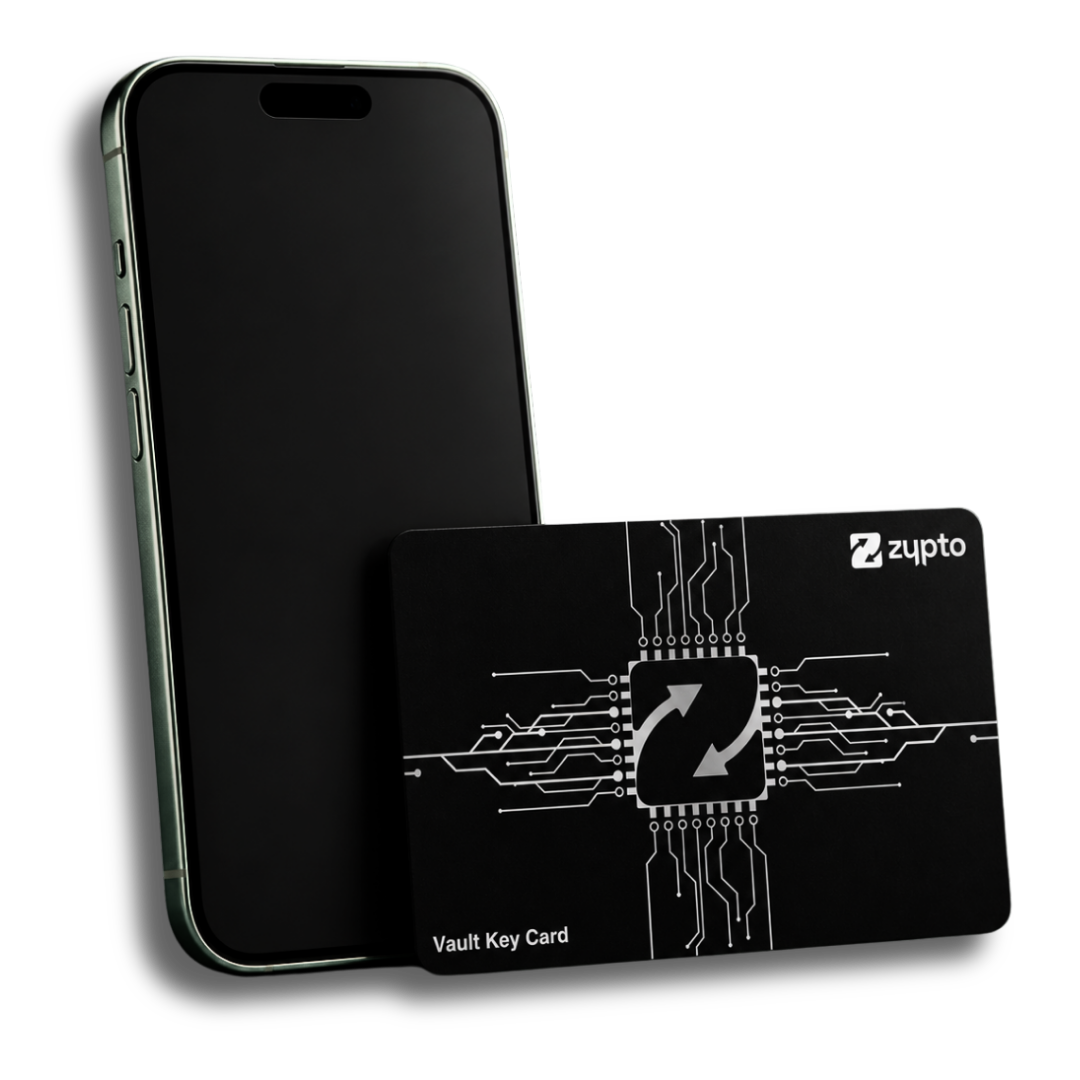
- Vault Key Card, an optional add-on. Zypto App works fully without it. Add the card when you want hardware-grade security: mobile-first cold storage, one card protects up to three wallets using split-key architecture, so the full private key never sits on the card or the phone, and you tap to approve over NFC with no cables, charging or firmware updates. See the Vault Key Card.
Run as many wallets as you need, and keep them straight.
Crypto apps tend to fill up: one wallet for spending, one for savings, one for trading, one paired to a Vault Key Card. Zypto App is built for that.
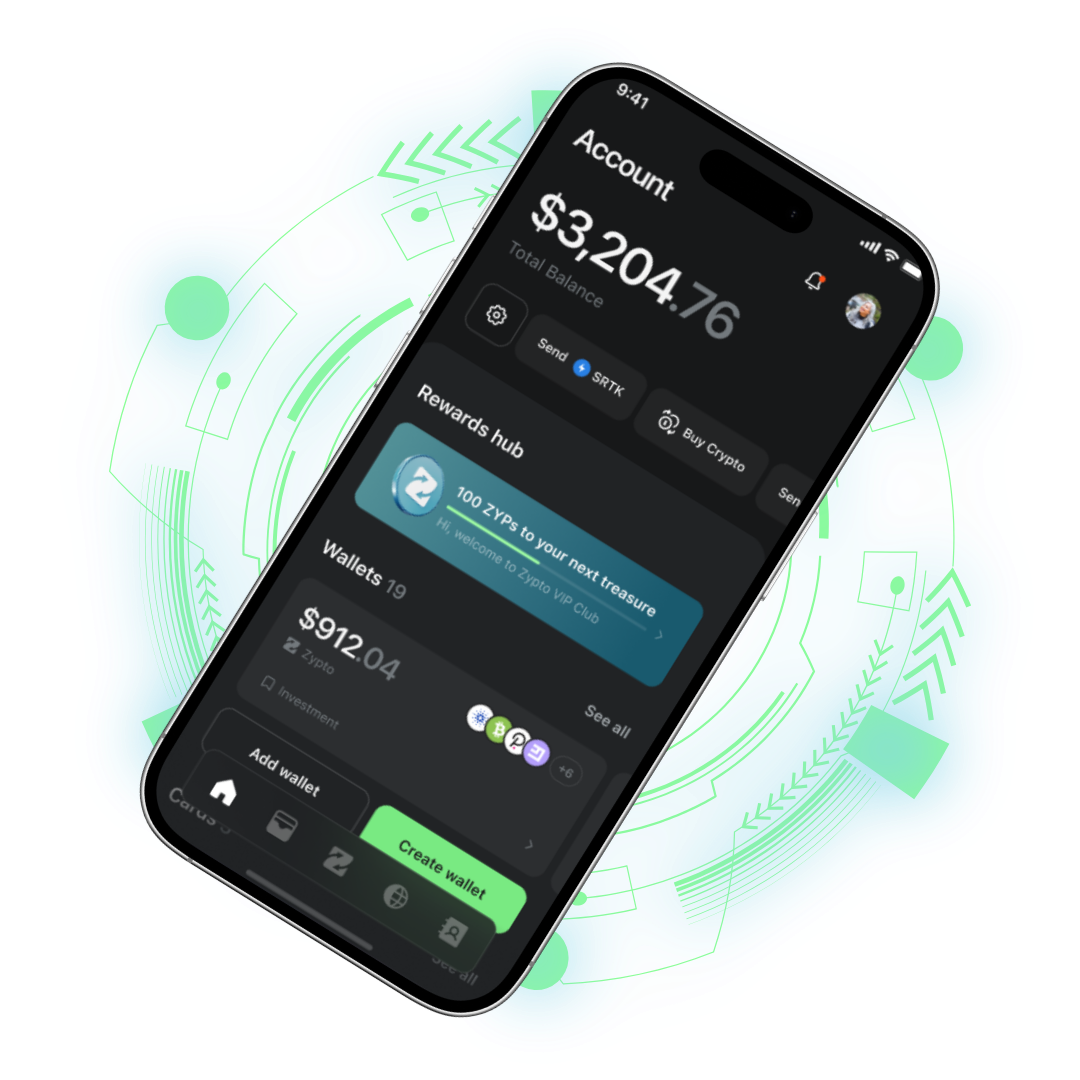
Unlimited named wallets
Create as many multichain wallets as you want and name each one, so you can tell savings from spending at a glance.
Total balance control
An Include-in-Total-Balance toggle per wallet, so long-term holdings can stay out of your day-to-day number.
Trustlines in-app
Add trustlines for Algorand, Stellar and XRP Ledger without leaving the wallet.
Pending and past activity
A pending transactions view, plus transaction history per wallet and across the whole app.
Connection alerts
Get alerted when a dApp is connected, review active connections in Settings, and tap to disconnect any of them.
Dark, light or system
Theme follows your phone, or stays locked to whichever one you prefer.
Stay inside your own wallet while you use Web3.
A built-in browser opens dApps, DeFi platforms and NFT marketplaces in the same environment your keys already live in. When a site asks how you want to connect, choose WalletConnect and select Zypto, and sign in without copying an address anywhere.
Background reading: the Zypto App browser and WalletConnect.
ZYPs, earned in the app
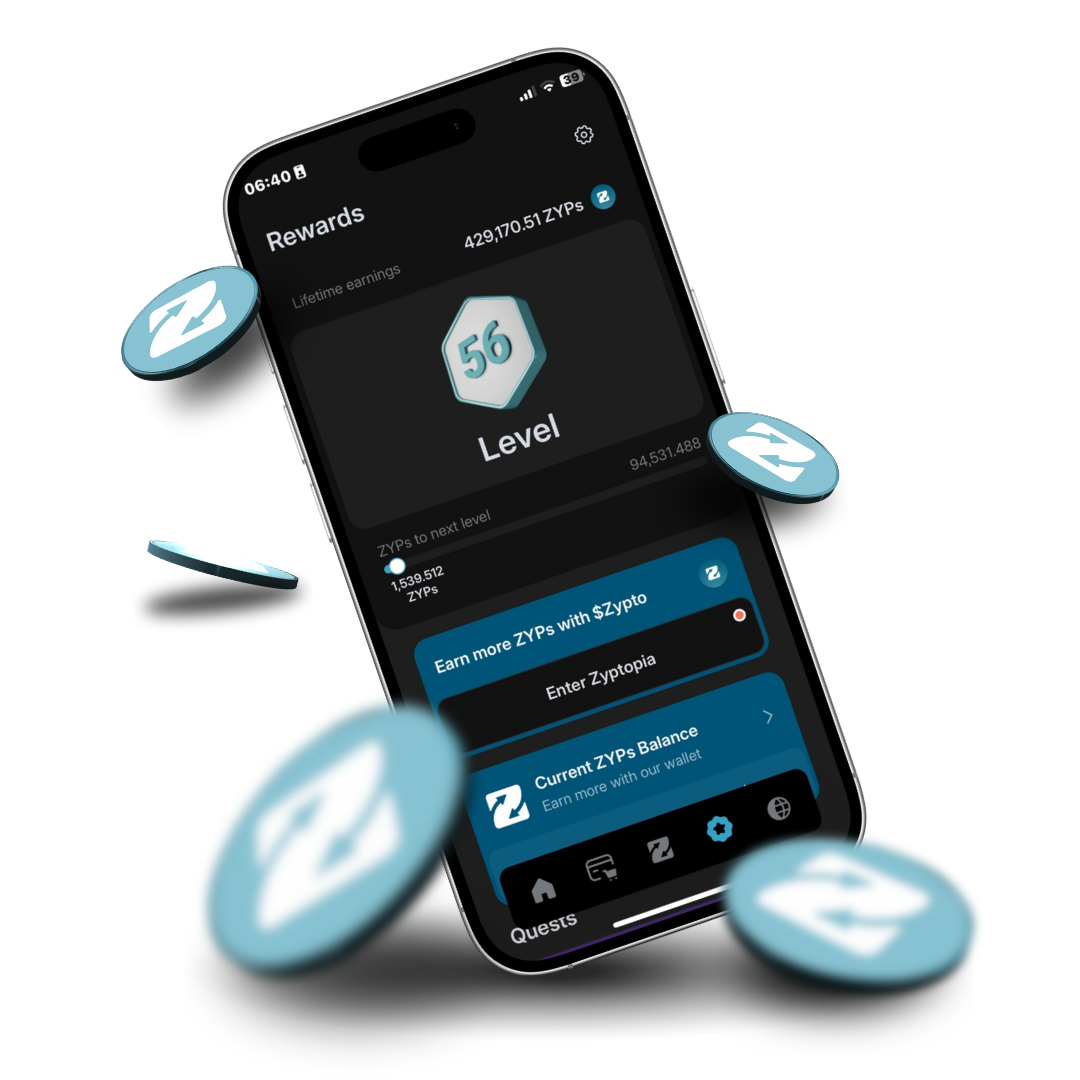
ZYPs are in-app reward points. Use them to load a card, buy a gift card, top up a phone, pay a bill, or put them toward a Vault Key Card.
Built for your first swap, and your ten thousandth.
A crypto app usually picks a side. Simple enough for a first-timer, or deep enough for someone who runs several wallets and knows what a trustline is. Zypto App does both, because the depth sits behind the surface rather than on top of it.
Start without learning the plumbing
- Buy with a card you already have. 130+ payment methods across 190+ countries, so your first crypto purchase works like any other online payment.
- Read it in your language. 30 interface languages, with balances valued in any of 100+ local currencies, so nothing is guesswork.
- Swap in as little as 3 taps. Pick two assets and sign. No bridge to find, no network to configure, no wrapped tokens to understand first.
- Spend it on something real. Load a card, pay a bill or buy a gift card, which is a lot easier to grasp than a chart.
- Learn as you go. Understand crypto covers the basics, in plain words, whenever you want them.
Depth you won't outgrow
- 20 chains and 24,000+ assets. Cross-chain routing across 1,000,000+ routes, with Chainlink CCIP on 7 EVM chains plus Solana.
- Unlimited named wallets. Separate spending from savings from trading, and choose which ones count toward your total balance.
- Chain-level controls. Add trustlines for Algorand, Stellar and XRP Ledger in-app, and filter your asset list by verified or unverified tokens.
- Web3 without leaving custody. A built-in dApp browser plus WalletConnect, with active connections listed in Settings and revocable with a tap.
- Cold storage when you want it. Pair a Vault Key Card to hold up to three wallets behind split-key architecture and an NFC tap.
This page is the detail. For the overview of the product, what it's for and who it's for, start at Zypto App. New to any of this? Understand crypto covers the basics first.
Download Zypto AppHow to use a crypto app like this one.
The questions people ask before they download, answered against what the app does today.
Is my crypto held by Zypto?
No. Zypto App is fully non-custodial. Keys are generated and held on your device, you sign every transaction, and no one at Zypto can move, freeze or recover your funds. That also means your backup is your responsibility.
Can I swap between two different blockchains without a bridge?
Yes. Cross-chain swaps run inside the app across 1,000,000+ routes, using Chainlink CCIP on 7 EVM chains plus Solana, and aggregator routing elsewhere. It takes as little as 3 taps, and you don't open a separate bridge or connect to an external dApp to do it.
Which language will the app open in?
There are 30 interface languages. Switching is instant and applies to the whole app. Both Chinese Traditional and Chinese Simplified are included.
Does changing my display currency mean Zypto holds that currency for me?
No. Display currency changes how your balances are valued on screen, in any of 100+ local currencies. Your assets stay as crypto on the blockchain, accessed via Zypto App, and Zypto does not hold assets on your behalf.
Can I keep more than one wallet in the app?
Yes, as many as you like. Each wallet is multichain, can be named, and can be included in or excluded from your total balance. One Vault Key Card can protect up to three of them.
What is Disguise Mode for?
It replaces the app icon and name with something neutral, like a calculator, so a glance at your home screen doesn't reveal that you hold crypto. It's a privacy setting, not a substitute for your PIN or biometrics.
How do I stop unsolicited tokens cluttering my wallet?
Use the verified-tokens filter. Set it to verified only and airdropped and spam tokens stay out of your asset list. You can also switch it to unverified only, or turn it off to see everything.
Every feature on this page, in one download.