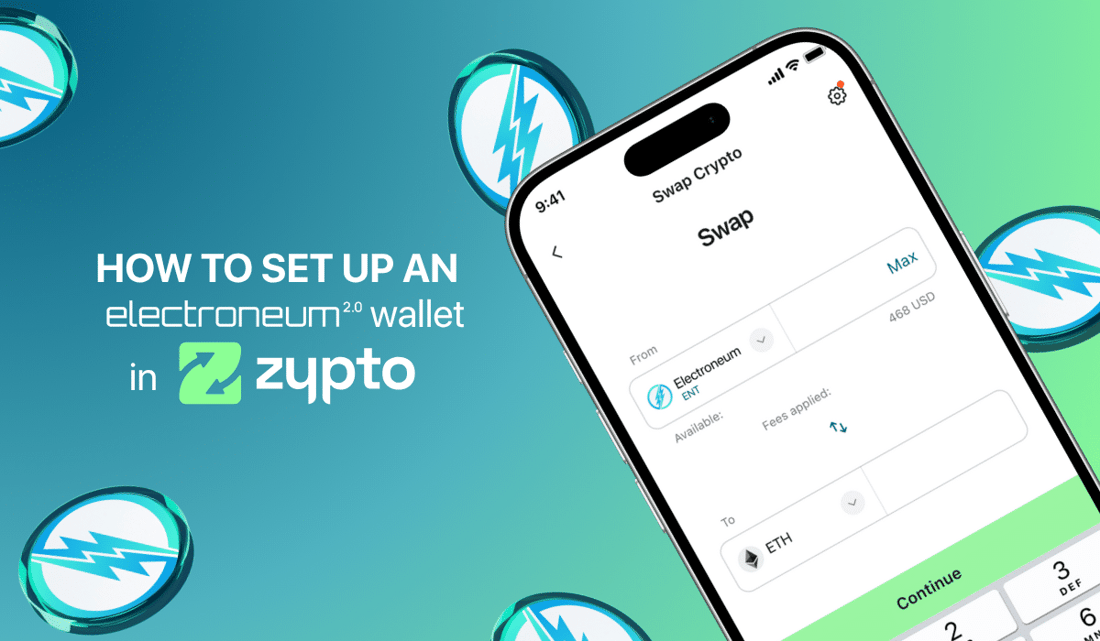
Electroneum (ETN) is now fully integrated in Zypto App, bringing one of the world’s most accessible blockchains into a truly multichain DeFi wallet experience.
Whether you’re a long-time ETN holder or just discovering Electroneum for the first time, setting up your Electroneum wallet in Zypto takes just a few minutes.
Go Multichain with 20+ blockchains and 24,000+ assets
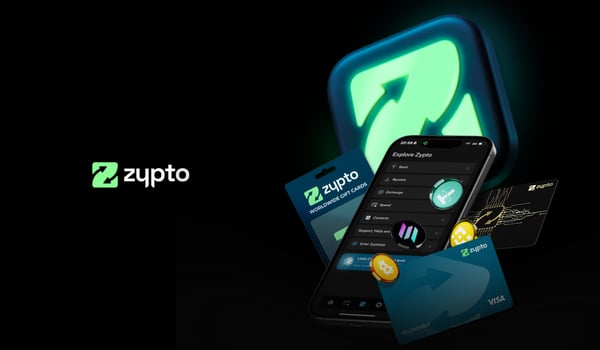
Every wallet in Zypto App supports more than 20 blockchains and over 24,000 assets, so your Electroneum sits right alongside everything else you hold, including Bitcoin, Ethereum, XRP, Solana, Hive, Shib and more.
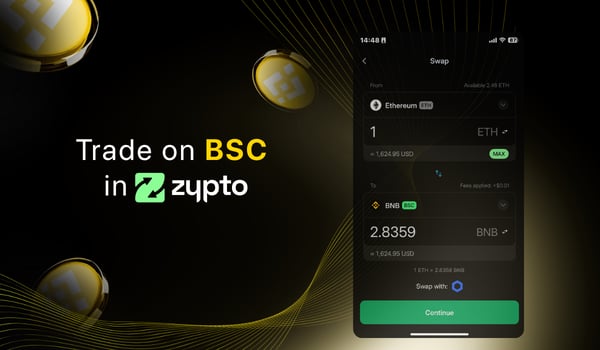
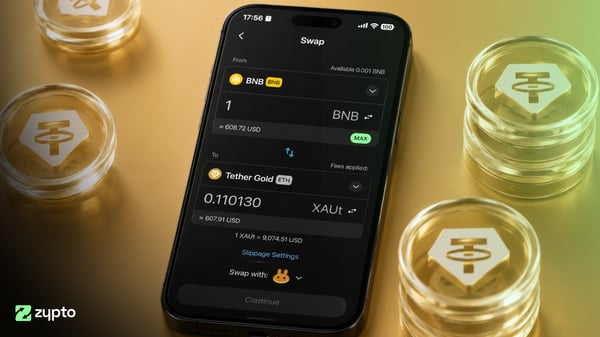
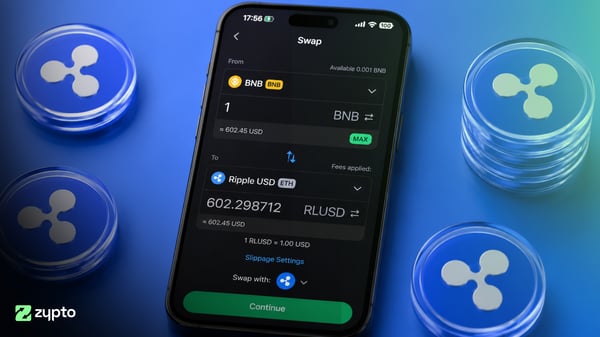
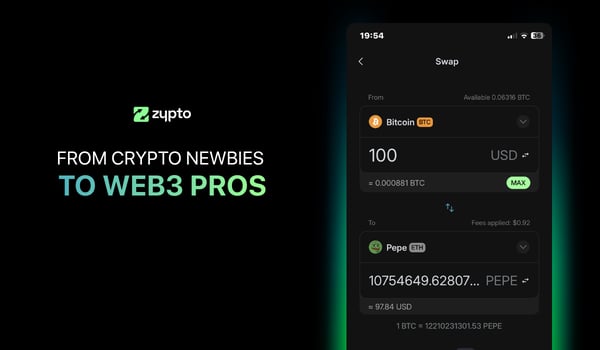
You can cross chain swap between a wide range of top blockchains, manage DeFi assets, grow your portfolio and use your assets, all in one place. Create as many wallets as you like, completely free, and manage your entire portfolio from one intuitive, sleek, lightening-fast application.

How to Set Up an ETN / Electroneum Wallet in Zypto App
Getting started with an Electroneum wallet in Zypto App takes just a few minutes. Follow these steps:
- Download Zypto App
Download the app from the App Store or Google Play. It’s free and supports more than 25 languages. - Create or import your wallet
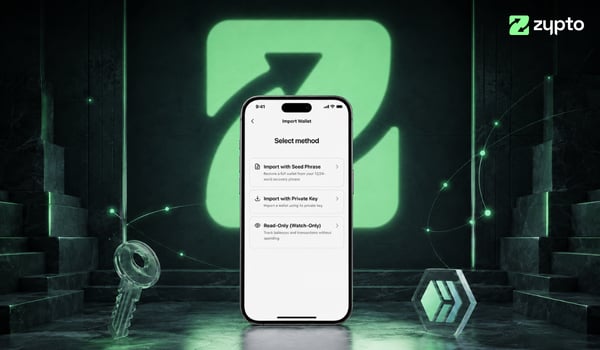
Open Zypto App and choose to create a new wallet, or import an existing one using a recovery or seed phrase. - Secure your wallet
Write down your recovery phrase and keep it offline. Set up your app PIN and activate optional biometric login for added protection. Remember that Zypto is non-custodial, so only you ever control your keys. - Generate your Electroneum address
Select Receive from the menu and search for ETN. Select it to generate a unique wallet address for sending and receiving ETN and ETN-based tokens. - Add funds or connect onramps
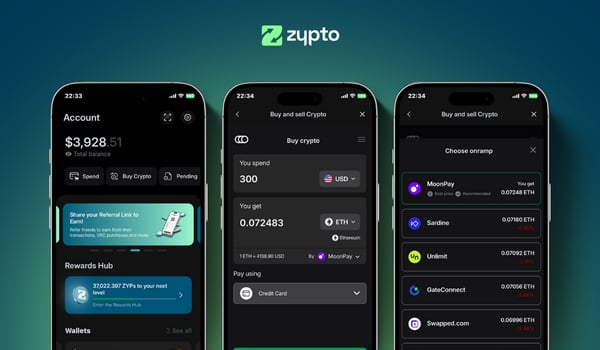
Transfer ETN or ETN-based tokens from another wallet, use Zypto’s 130+ fiat onramps, or swap into ETN directly in the app. - Start using Electroneum
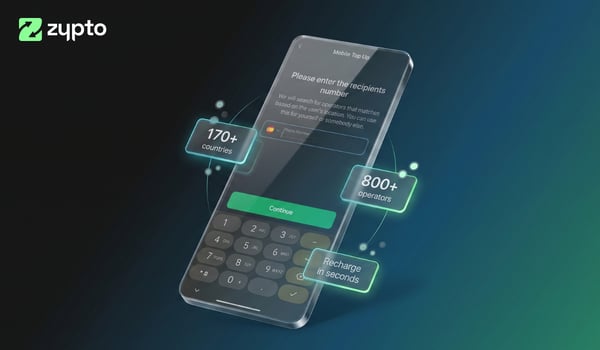
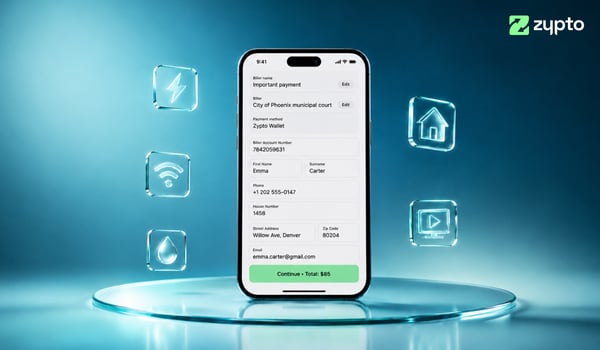
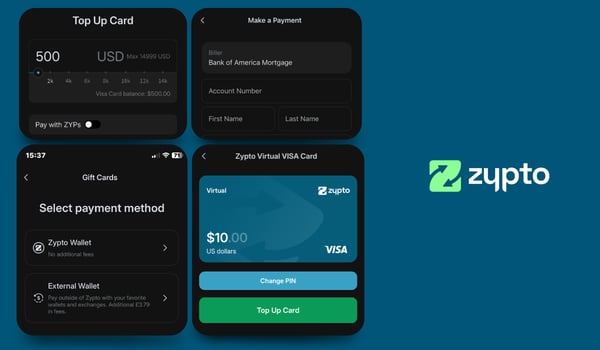
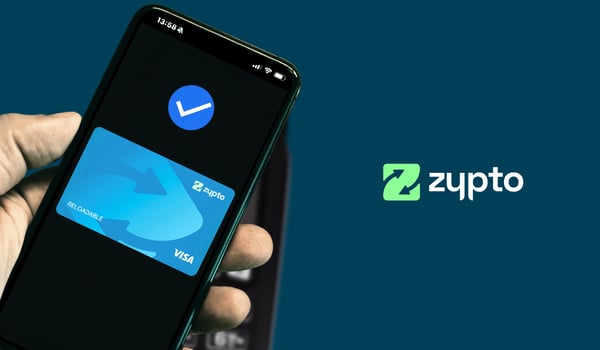
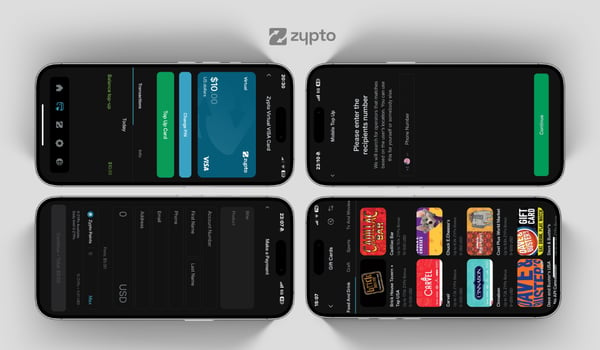
Manage tokens, connect to dApps, swap across multiple chains, and use Electroneum for real-world utility with Zypto crypto cards, bill pay, mobile top-ups, and USDC cash-in and cash-out at participating MoneyGram locations worldwide.
→ For full details on ETN features and integrations, visit the Electroneum Wallet page

Importing an Existing ETN Wallet into Zypto App
Already have ETN in an Electroneum wallet? You can import it directly into Zypto App using your private key.
Before you start, you'll need:
- Your ETN wallet document (printed or on a second device), you'll need the Private Key QR code
- Your phone with Zypto App installed
- In Zypto App, tap Add Wallet and choose Import with private key.
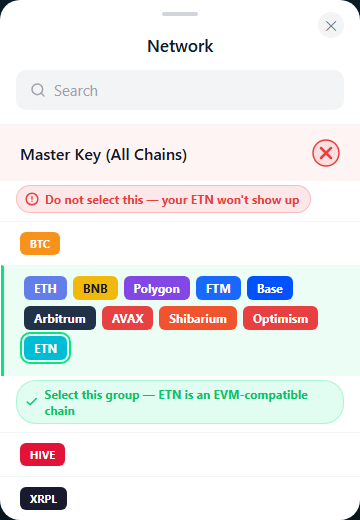
- Select the EVM group when asked for a network (ETH, BNB, Polygon, Base, Arbitrum, ETN). Do not select Master Key (All Chains).
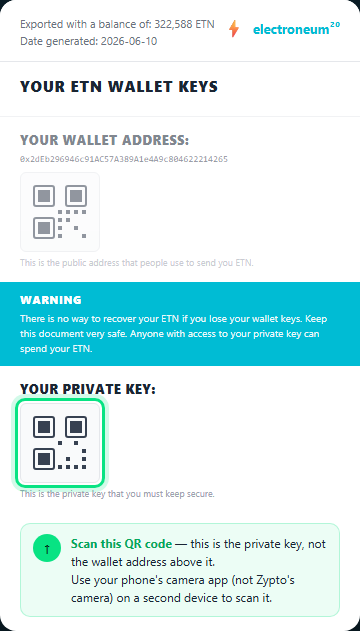
- Open your phone's camera app, not Zypto's scanner, and scan the Private Key QR code from your ETN wallet document. This is the lower QR code, beneath the warning section. Do not scan the wallet address QR at the top.
- Your ETN wallet will import and your balance will appear once confirmed.
Already imported with the wrong network type? Go to wallet settings, remove the wallet, then repeat the steps above selecting EVM.
Why It Just Works
The Electroneum blockchain is now native inside Zypto App. After you create or import your wallet, tap Receive, choose Electroneum from the blockchain list, then copy your address or use the QR code to receive ETN.
Because Zypto wallets are multichain, you can hold ETN alongside your other digital assets without switching apps or chains. It is one wallet for everything you own.
What You Can Do with Electroneum in Zypto App
Once your ETN wallet is ready, you can use your Electroneum across Zypto’s full ecosystem. Load and spend ETN with Zypto crypto cards, pay bills with crypto in over 120 countries, buy mobile top-ups, or swap into other digital assets instantly.
You can also earn rewards through the Zypto Referrals and Rewards Hub, giving every Electroneum holder the freedom to use ETN for real-world payments, swaps, and rewards – all from one powerhouse crypto app.
Join the Community
Millions of Electroneum users now have a new home inside Zypto App. You’ll find familiar simplicity, backed by advanced tools and a full suite of DeFi features.
Zypto warmly welcomes the Electroneum community, and this is only the beginning of what’s to come.
→ Download Zypto App to get started
→ Electroneum / ETN wallet guide and features
→ Join the Zypto community on Telegram
More Electroneum / ETN News
→ Electroneum / ETN Payments – Now Live Across the Zypto Ecosystem
→ Zypto App – Now the Official Electroneum 2.0 Wallet
→ Zypto Welcomes Electroneum 2.0 and the ETN Community
→ Zypto App Update v1.22: Electroneum 2.0 is LIVE
FAQs
How can I move my Electroneum (ETN) into Zypto App?
Create or import a DeFi wallet inside Zypto App, then send your Electroneum from your existing wallet to your new ETN address in Zypto App. Your ETN will appear once the transaction is confirmed on the blockchain.
Do I need a separate wallet for Electroneum in Zypto App?
No. Zypto wallets are multichain, so ETN is supported within the same wallet as your other assets. You can hold, send, and receive ETN alongside tokens from more than 20 blockchains.
How long does it take to set up an Electroneum wallet?
Setup takes just a few minutes. After creating your wallet, select Receive, choose Electroneum, and your ETN address is ready to use.
Can I cross-chain swap Electroneum in Zypto App?
Yes. Zypto App supports cross-chain swaps between multiple blockchains, allowing ETN users to swap assets instantly across supported networks.
Can I store other cryptocurrencies with my ETN?
Yes. Zypto App supports more than 20 blockchains and over 24,000 digital assets, allowing you to manage all your crypto in one wallet.
Prices, fees, features and availability mentioned in this article were correct at the time of publishing and may have changed since.
Related topics