Internet Computer (ICP) wallet: where Zypto App stands
ICP · Internet Computer + 3 more chainsLooking for a Internet Computer wallet? Zypto App is not one yet. Internet Computer is not among the 20+ chains it has integrated, so ICP cannot be held, swapped or used as payment there. What Zypto does cover, and how to change that, is below.
Internet Computer runs on the Internet Computer network, which isn't integrated in Zypto App yet. Request Internet Computer on X and we'll prioritize adding it so you can hold and swap Internet Computer.
Request Internet Computer in Zypto App

ICP and Zypto App: where things stand
Internet Computer is not integrated in Zypto App yet, so ICP cannot be held, swapped or spent in the app.
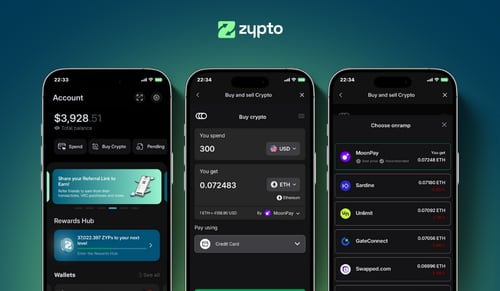
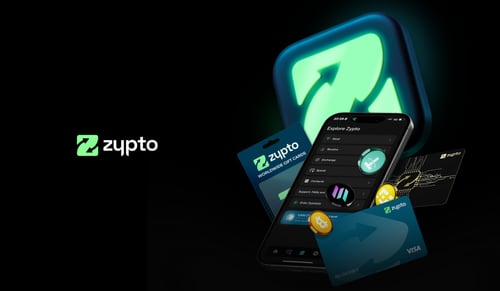
Zypto App is a non-custodial wallet for 20+ integrated chains: hold your own keys, swap through on-chain DEXs, connect to dApps, and use your crypto for real-world spending through the Zypto Premium VISA Card, gift cards, mobile top-ups and bill pay.
New chains are added as we reach them on the roadmap and as we see demand. Telling us on X is the fastest way to move Internet Computer up the queue.
ICP is native to Internet Computer, which is not integrated in Zypto App yet. We will integrate it as we reach that point on the roadmap and as we see community interest.
In the meantime, bridged and wrapped versions of ICP on the chains below are integrated, so you can hold and swap those in the app today.
| Chain | ICP is | In Zypto App | What you can do |
|---|---|---|---|
| Internet Computer | native | Not yet | Nothing yet: this chain is not integrated |
| Arbitrum | bridged or wrapped | Integrated | Hold and swap |
| Base | bridged or wrapped | Integrated | Hold and swap |
| Ethereum | bridged or wrapped | Integrated | Hold and swap |
Where Internet Computer (ICP) stands with Zypto App
Zypto App has not integrated Internet Computer, so ICP cannot be held, swapped or used as a payment method there today. Saying that plainly on this page is better than letting you download the app and find out.
What the app does cover is 20+ integrated chains, with non-custodial keys generated on your device, in-app DEX integrations for swaps across roughly 24,000 assets, WalletConnect for dApps, and a Zypto Premium Visa Card you can load from what you hold. If any part of your portfolio sits on Ethereum, Solana, Polygon, BNB Chain, TRON or the other integrated chains, Zypto App is worth having alongside your Internet Computer wallet.
Integration order comes from our roadmap and from community demand, and demand is the part you can move. A public request is counted.
Looking for a Internet Computer wallet?
Zypto App is not that wallet yet, and pointing you at it anyway would waste your time. For ICP you need a wallet that supports Internet Computer. Come back once Internet Computer is integrated, or register the request so it moves up the queue. The status block above lists every chain we resolved for ICP and exactly what Zypto supports on each one.
Where to go from here
Check the detail
The status block above lists every chain ICP lives on and what Zypto supports on each one.
Ask for Internet Computer
One public post tells us this matters to you. Community demand is one of the inputs to integration order.
Use the app for the rest
20+ chains, non-custodial keys, in-app swaps and a Premium Visa Card. Ready for ICP when Internet Computer lands.
How Zypto App handles your keys
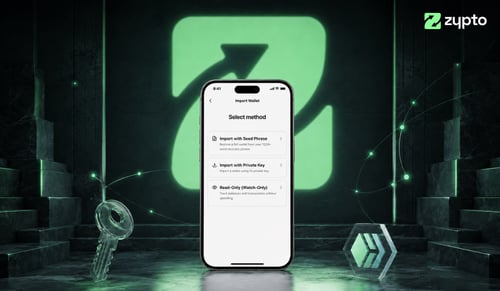
Zypto App is non-custodial for every asset it supports. Private keys are generated and stored on your device, Zypto never has access to your funds and every transaction is signed locally. For account access, every user sets a PIN with optional biometric security (fingerprint or face recognition). You can also filter your wallet to show only verified tokens, protecting you from random airdrops or unsafe assets. For offline hardware wallet security, pair with the Vault Key Card, card-based cold-wallet hardware that signs transactions over NFC, keys never touch the internet.
What is Internet Computer?
Internet Computer is a blockchain network built to run software and host web applications fully on-chain. Rather than acting only as a ledger, it aims to let developers deploy entire applications, from front end to back end, that run on its decentralized infrastructure. The ICP token launched in 2021 and is used for governance, network fees, and powering computation through a model where tokens are converted into the resources that run applications. The project is associated with research into smart contracts, distributed computing, and on-chain hosting. Its ambition is to reduce reliance on traditional cloud providers for parts of the web. You can track the Internet Computer price and hold ICP in a self-custody wallet.
What Zypto App does today
Zypto App connects crypto to real-world spending across the chains it has integrated. Here is what the rest of the product does while Internet Computer is not one of them.
Vault Key Card cold storage
Card-based cold-wallet hardware. NFC-tap to sign transactions for the assets Zypto supports, keys never touch the internet.
Vault Key CardUse a Crypto Visa Card
Load the Zypto Premium Visa Card with crypto. Physical and virtual cards, use them wherever Visa is accepted.
Crypto cardsPay bills with crypto
Settle utility bills and mobile contracts with billers worldwide, paid with crypto from your Zypto wallet.
Bill payBuy gift cards with crypto
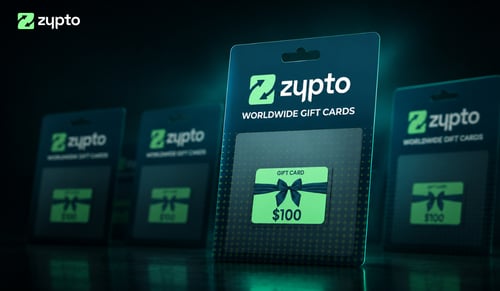
Gift cards from popular brands, paid with crypto. Settle in-app, redeem instantly.
Gift cardsTop up any phone
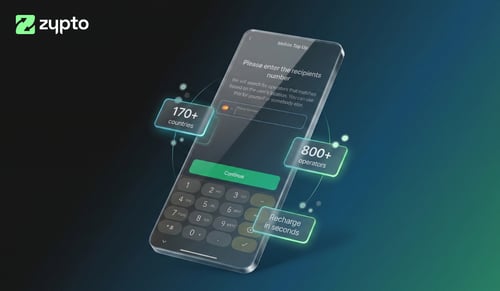
Send mobile credit across many countries in seconds. Pay with crypto, recipient gets local airtime.
Mobile top-upsCross-chain swaps
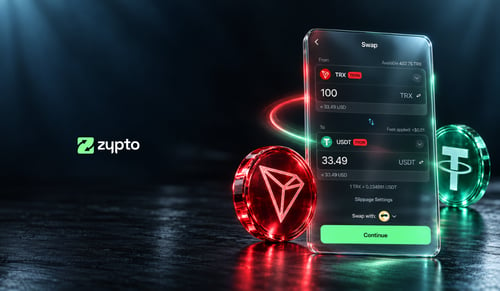
Swap across 24,000+ assets and 1,000,000+ cross-chain routes, on every chain Zypto has integrated. All in-app, all in two taps.
Multichain walletPay with crypto
Zypto App supports 100+ cryptocurrencies for card loads, mobile top-ups, bill pay and gift cards. Swap any asset into a supported coin in-app, all in a few taps.
Zypto PayHold any of these alongside Internet Computer
Cross-chain swaps move value between any of these, on the chains Zypto has integrated.


















664+ dedicated wallet pages




Internet Computer wallet FAQs
What's the best Internet Computer wallet app?
That depends on what you want to do with your ICP, and Zypto App is honest about its part: it cannot hold ICP yet, so it is not the answer for this one. For a wallet that can, you need one that supports Internet Computer. If the rest of what you hold sits on the 20+ chains Zypto has integrated, it keeps those non-custodially, swaps between them, connects to dApps and turns the value into real-world spending.
Is Zypto App non-custodial?
Yes. Your private keys are generated and stored on your device for every asset Zypto App supports. Zypto never has access to your funds, and every transaction is signed locally before it reaches the network.
How do I use crypto for real-world spending with Zypto Premium Visa Cards?
When you load the card in Zypto App, your crypto is converted into USD. Conversion happens at load, not at the checkout, so you can lock value in, avoid volatility and pay wherever Visa is accepted, subject to eligibility and applicable limits.
Can I swap Internet Computer in Zypto App?
Not yet. Internet Computer is not integrated in Zypto App, so ICP cannot be swapped there. Zypto App swaps across 20+ integrated chains, and telling us on X is the fastest way to move Internet Computer up the queue.
How do I back up my Internet Computer wallet?
During setup, Zypto App generates a 12-word recovery phrase. Write it down and store it offline somewhere safe. For offline hardware wallet security, pair Zypto App with a Vault Key Card, the card-based cold-wallet hardware that signs transactions over NFC without exposing your keys to the internet.
Is Zypto App available in my country?
The wallet itself is available globally on iOS, Android and web. Some features (in-app buying, the Zypto Premium Visa Card) vary by region. See what's available where you are on our Spend by Country page.
Is Zypto App free?
The app is free to download and use. Standard network fees apply to on-chain transactions. Card and bill-pay services carry transparent transaction fees published in the app.
Crypto guides & insights