Zypto App
核心是一款錢包。周圍是一款加密超級應用。
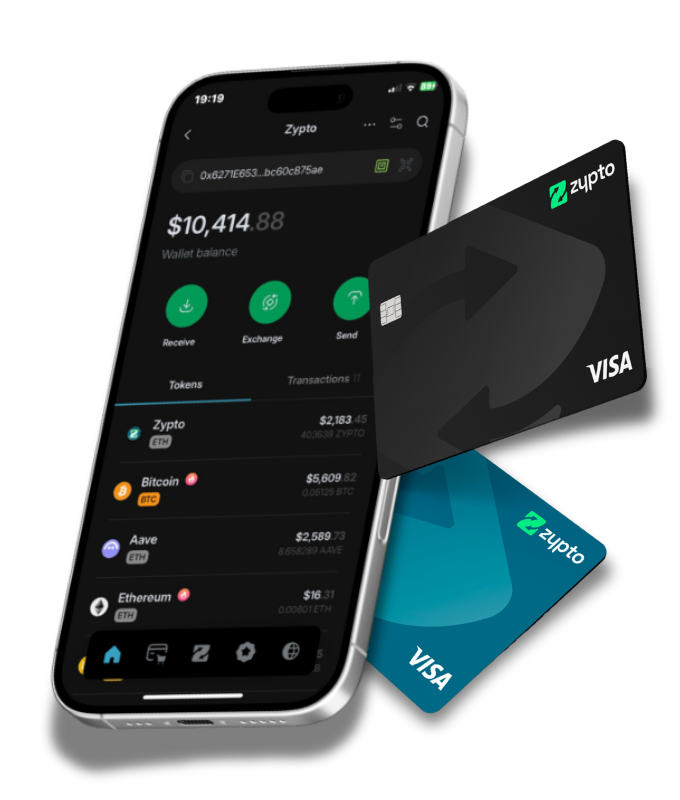
一款自託管多鏈錢包,支援20+條鏈上的24,000+種資產,另有1,000,000+條跨鏈兌換路徑、現實世界支付、卡片和完整的Web3瀏覽器。您通往鏈上一切的存取層。
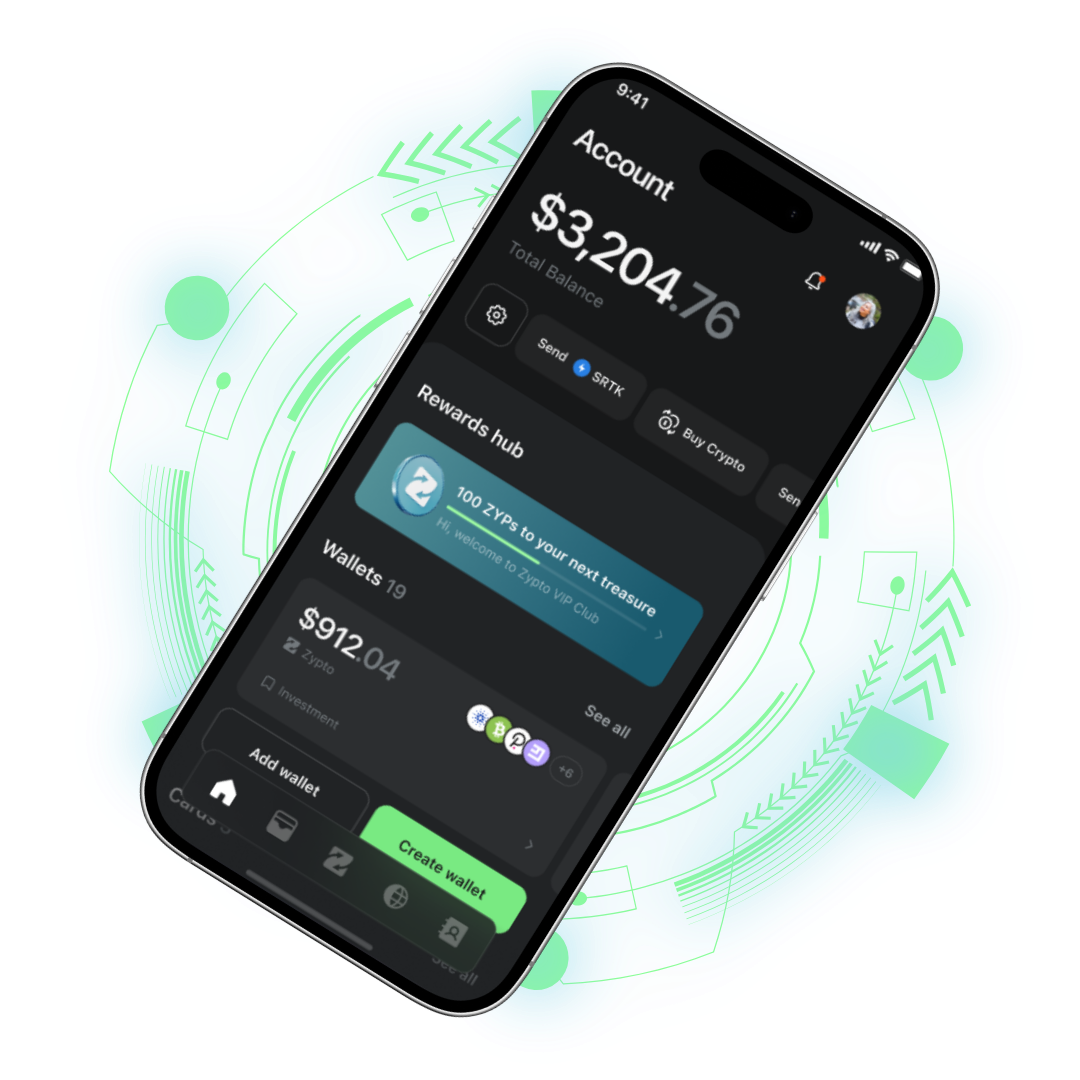
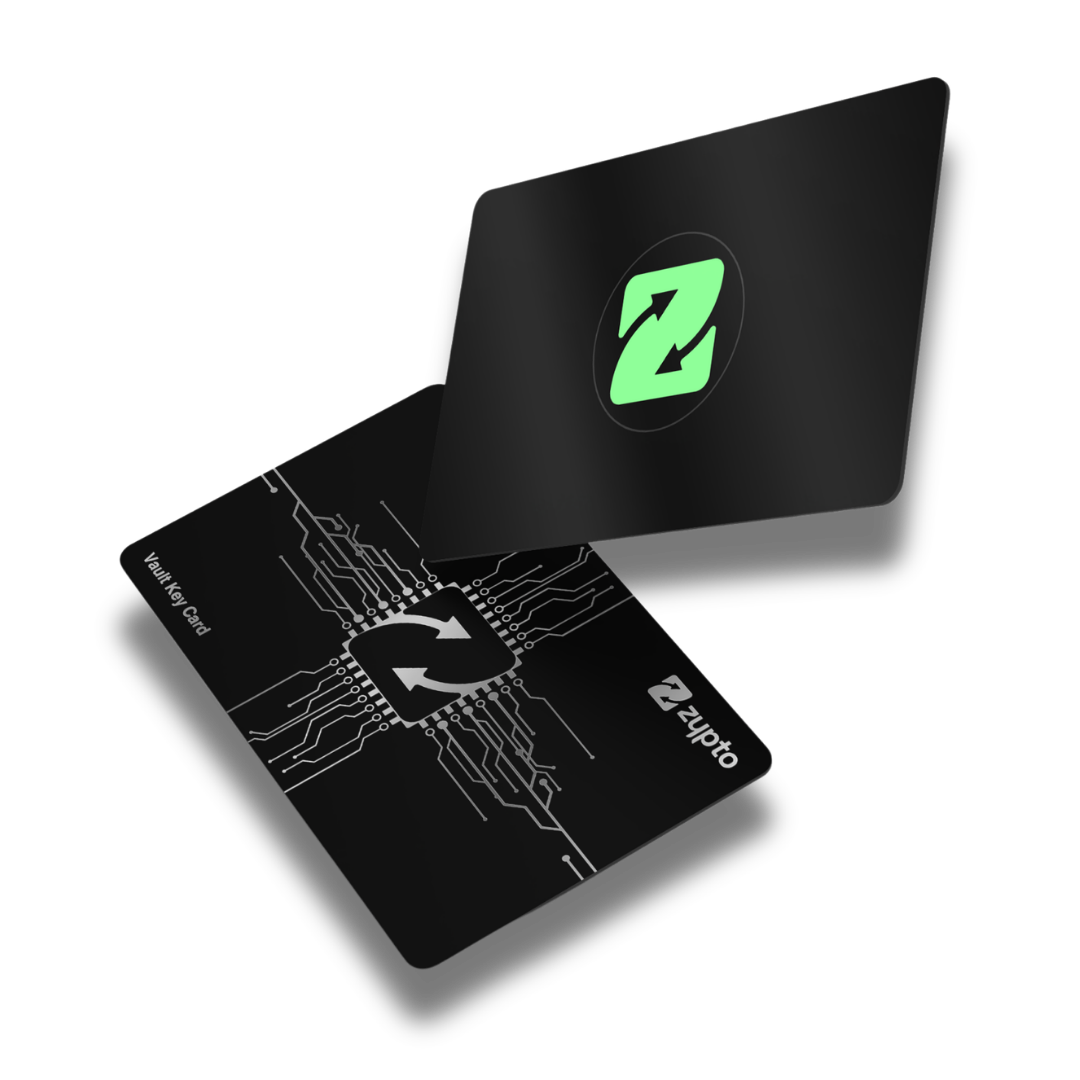
內建Uniswap、PancakeSwap、SunSwap、CCIP等DEX兌換。支援20+條區塊鏈的跨鏈路由。WalletConnect讓您登入所有Web3應用。內建瀏覽器讓您全程無需離開應用。
完整的DeFi實力,加上加密Visa卡、帳單支付、禮品卡與出入金。
儲存並兌換您加密貨幣的同一款應用,也能將其變為日常消費、卡片、帳單、禮品卡、儲值和現金,遍及全球。
實體或虛擬,透過Apple Pay或Google Pay一觸即付,支援100+種加密貨幣儲值。
在60M+商戶消費用加密貨幣在數千個品牌購物,幾秒內送達您的錢包。
8,500+個品牌房租、水電、信用卡和貸款,每一筆接受法幣的帳單,均可用加密貨幣結算。
87,000+家繳費機構,120+個國家為任意網路的任意號碼儲值,幾秒內完成通話費與流量儲值,隨時隨地。
170+個國家,800+家運營商在全球任意參與的MoneyGram網點,以USDC存入或提取現金。
透過MoneyGram旅行途中直接向商戶付款,直接來自您的加密貨幣餘額。
直接向商戶付款直接從您的KuCoin交易所餘額付款,直接接入應用程式。
從您的交易所付款Bitcoin、Ethereum、Solana、Polygon、Algorand、Stellar及另外14種。跨20+條鏈進行跨鏈兌換,秒速傳送與接收。
 Bitcoin
 Ethereum
 Solana
 BNB
BNB
 Polygon
 Avalanche
 Arbitrum
 Optimism
 Base
Base
 Algorand
 Stellar
 Tron
Tron
 XRP
XRP
 Sui
Sui
 Fantom
 Pi
Pi
 Dash
Dash
 Shibarium
 ETN
ETN
 Hive
每次更新持續新增
Hive
每次更新持續新增
One multichain wallet, every chain running natively. Your keys, your assets, no custodian.
錢包本身無需郵箱,無需身份驗證。從第一秒起即自託管。僅在申請卡片或支付帳單時才需要身份驗證。
從App Store或Google Play下載應用。開啟後接受條款,一步即可建立錢包。
約20秒,無需郵箱點選「建立新錢包」。我們在您的裝置上生成助記詞,本地加密,絕不外傳。備份助記詞,確認幾個詞,完成。
約40秒,完全自託管用加密貨幣充值或在應用內購買。在20+條鏈上隨時兌換。支付帳單、手機充值、申請卡片、瀏覽dApp,全部在同一介面完成。
約30秒即可開始Zypto錢包在您的裝置上生成。我們沒有您的助記詞,沒有您的私鑰,無法凍結您的資金。
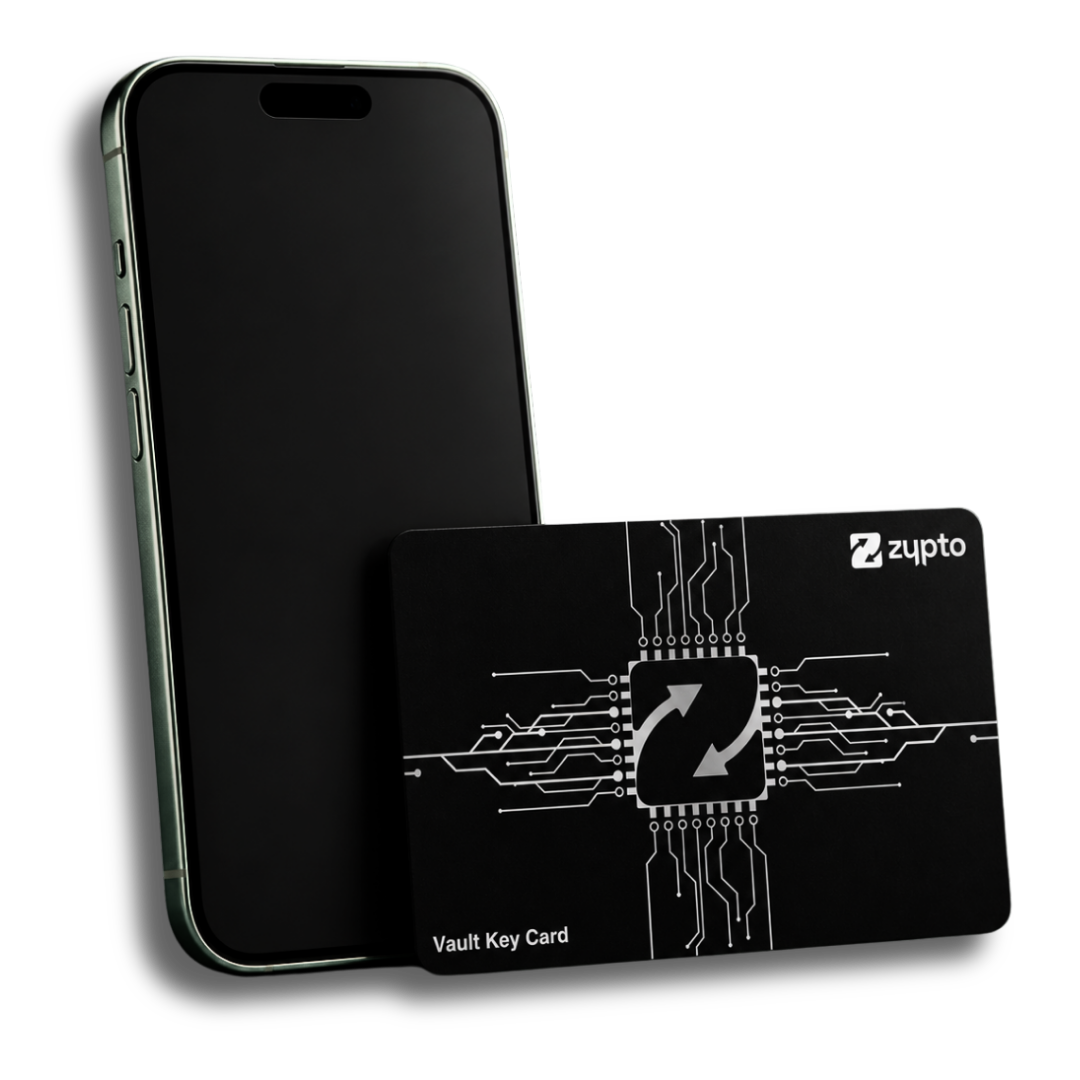
行動裝置優先的冷錢包。透過NFC與Zypto App配對。將卡片貼在手機背面即可簽署任何交易,全程無需資料線。
Vault Key Card是一款獨立的可選產品,沒有它Zypto App也能完整運作。當您需要硬體級別的安全性時再新增:每張卡最多可綁定三個Zypto App錢包,採用分割金鑰技術的AES-256加密,並且能和交通卡一起輕鬆放進口袋。

將卡片貼近手機。卡片簽名,應用傳送。卡片上無需輸入PIN碼,無需額外裝置。
您的私鑰在卡片和應用之間分割。任何一半單獨都不夠,這就是它成為冷儲存的原因。
將Face ID或Touch ID新增為第三重驗證因子。審批需要您的卡片、手機和麵部識別。


關於Zypto App,下載前您想知道的都在這裡。
是的。Zypto App完全自託管。您的助記詞和私鑰在您的裝置上生成,本地加密,絕不傳送至我們的伺服器。我們無法訪問您的資金、凍結您的帳戶或撤銷交易。您的私鑰就是您的資產。
為進一步強化安全性,將錢包與 Vault Key Card 配對,每筆交易均需硬體級別的授權簽署。
Zypto App整合了20+條鏈的DEX兌換。單鏈兌換透過Uniswap(Ethereum、Polygon、Base、Avalanche、Arbitrum)、PancakeSwap(BNB Chain)、Raydium(Solana)、Shibaswap(Ethereum)、Aftermath(Sui)、SunSwap(TRON)以及Optimism和XRP Ledger原生兌換執行。跨鏈兌換透過ChangeNow、SwapKit和Chainlink CCIP等聚合器自動路由,自動選取最優價格。
不需要。WalletConnect已內建。透過應用內瀏覽器或相機掃描任意相容dApp的二維碼即可登入。簽名、投票、鑄造、借貸,錢包隨時就緒。
VKC是一款信用卡形狀的可選NFC硬體錢包。它與Zypto App配對,當您將其貼近手機時簽署交易。無需額外裝置即可實現冷儲存級安全。使用錢包不需要它,但這是我們提供的最安全配置。
支援20+條區塊鏈上的24,000+種資產,包括Bitcoin、Ethereum、Solana、Polygon、Algorand、Stellar、BNB Chain、Avalanche、Arbitrum、Optimism、Base、Tron、XRP Ledger、Sui、Fantom、Pi Network、Dash、Shibarium、Electroneum和Hive。每次更新持續新增區塊鏈。
若丟失手機,請在新裝置上重新安裝應用,選擇「恢復錢包」並輸入助記詞,您的資金即可恢復。
若您同時丟失助記詞和手機,我們無法提供幫助。這是真正自託管的代價:沒有任何Zypto員工能重置您的密碼或恢復您的存取權限。請妥善保管助記詞,最好備份在兩個地方,且都不是數位形式。
Zypto App是為追求完整DeFi工具套件的使用者而生的錢包,內建DEX兌換、跨鏈路由、WalletConnect和應用內Web3瀏覽器,加上真實Visa卡、帳單支付、禮品卡和出入金。
從第一秒起即自託管。您的私鑰永不離開您的裝置。
配對Vault Key Card,享受放得進錢包的硬體級冷儲存。搭配全天候應用內支援,在您需要人工協助時隨時可用。
免費下載。午飯前成為自己的銀行。
沒有與“”匹配的資產。請嘗試BTC、ETH,或瀏覽熱門資產。
 Share Studio 分享中 · 此頁面
 拖動元素以移動 · 拖動控制點以縮放/旋轉/刪除 · 選擇繪圖工具以標註
模板
內容
建立
新增
加密貨幣標誌
繪製
線條樣式
字幕
分享