
Solana is built for speed, scalability, and smart DeFi, but none of that matters without the right wallet. Whether you’re holding SOL, swapping SPL tokens via Raydium, or using your crypto in the real world, it all starts with setting up your Solana wallet inside Zypto App.
Zypto is a multichain, non-custodial wallet app that supports the full Solana ecosystem, including every SPL token, plus 20+ other blockchains. With built-in Raydium swaps, cold wallet protection, and real-world integrations like crypto cards and bill payments, it’s the easiest way to get started with Solana on mobile.
Here’s how to set up your SOL wallet in just a few minutes.
How to Set Up a SOL / Solana Wallet in Zypto App
Getting started with a Solana wallet in Zypto App takes just a few minutes. Follow these steps:
- Download Zypto App
Download the app from the App Store or Google Play. It’s free and supports 25+ languages. - Create or import your wallet
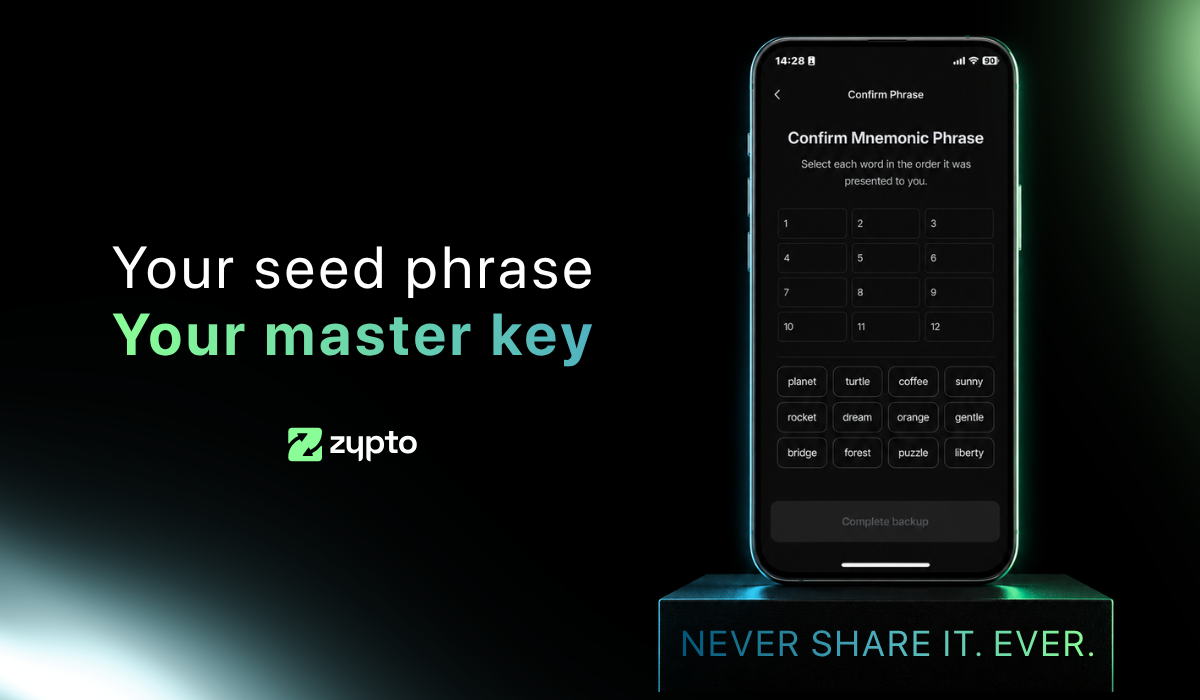
Open Zypto App and choose to create a new wallet, or import an existing one using a recovery / seed phrase. - Secure your wallet
Write down your recovery phrase and keep it offline. Set up your app PIN and activate optional biometric login for added protection. Remember that Zypto is non-custodial, so only you ever control your keys. - Generate your Solana address
Select ‘Receive’ from the menu and search for SOL. Select it to generate a unique wallet address for sending and receiving SOL and SPL-based tokens. - Add funds or connect onramps
Transfer SOL or SPL-based tokens from another wallet, use Zypto’s 130+ fiat onramps, or swap into SOL directly in the app. - Start using Solana
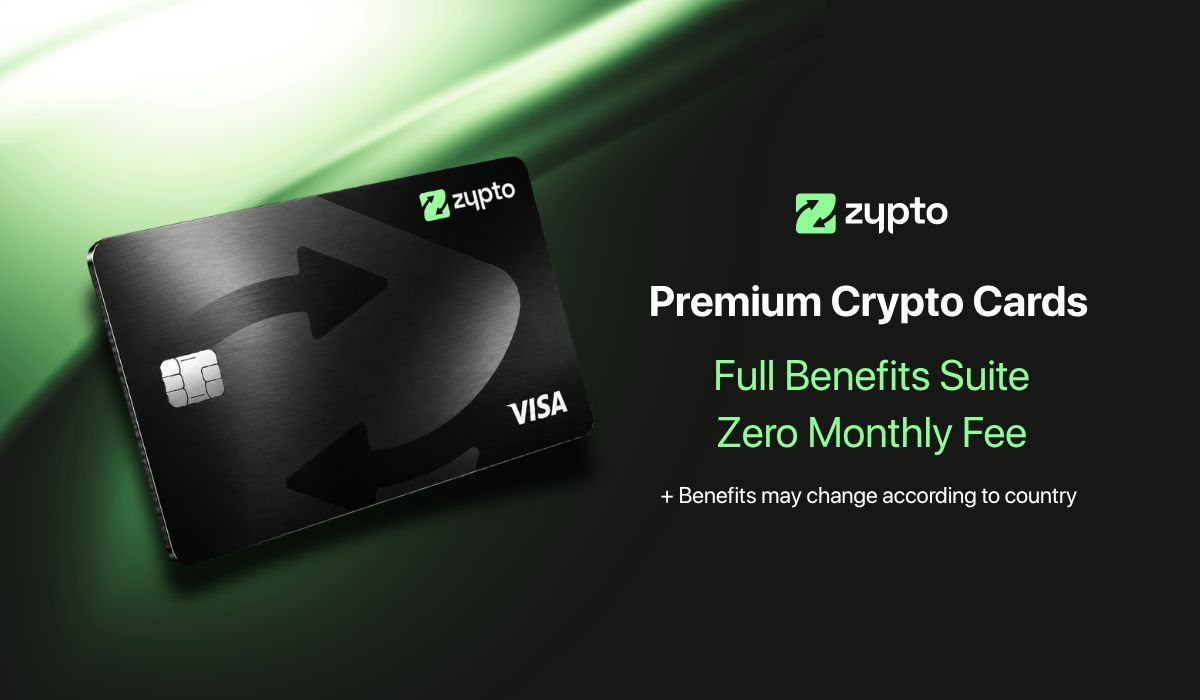
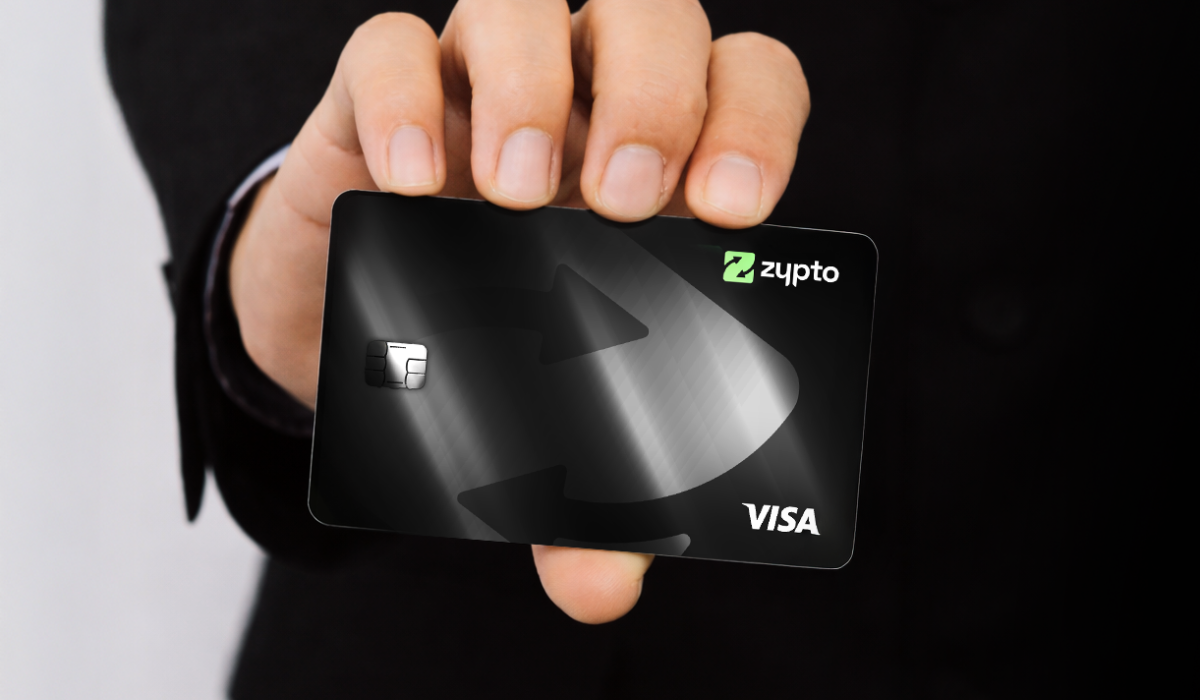
Manage tokens, connect to dApps, swap across multi chains, and use Solana for real-world utility with Zypto crypto cards, crypto bill pay, mobile top-ups, and USDC cash-in and cash-out at participating MoneyGram locations worldwide.
Your Solana Wallet, Supercharged
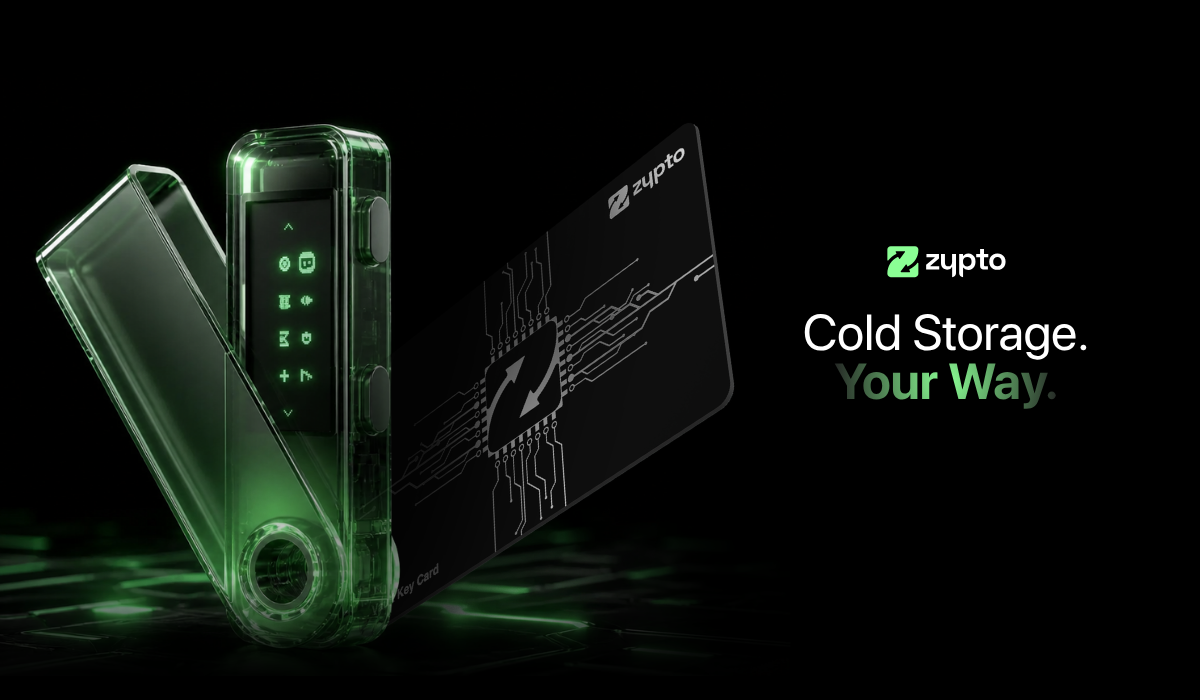
That’s it. Your SOL wallet is ready to go. You’re now connected to the entire Solana ecosystem inside a multichain mobile app that supports thousands of assets, real-world spending, and optional cold wallet protection via the Vault Key Card.
Want to go further?
Explore everything you can do with Zypto’s Solana Wallet and unlock the full power of Web3, DeFi, and onchain payments wherever you are.
FAQs
How do I create a Solana wallet on mobile?
You can create a Solana wallet using Zypto App for iOS or Android. The app supports full SOL and SPL token functionality across all devices.
Can I use Zypto App to store SPL tokens?
Yes, Zypto App fully supports the Solana blockchain and all SPL tokens. You can receive, store, and manage any SPL token inside the wallet.
Does Zypto App support Solana swaps?
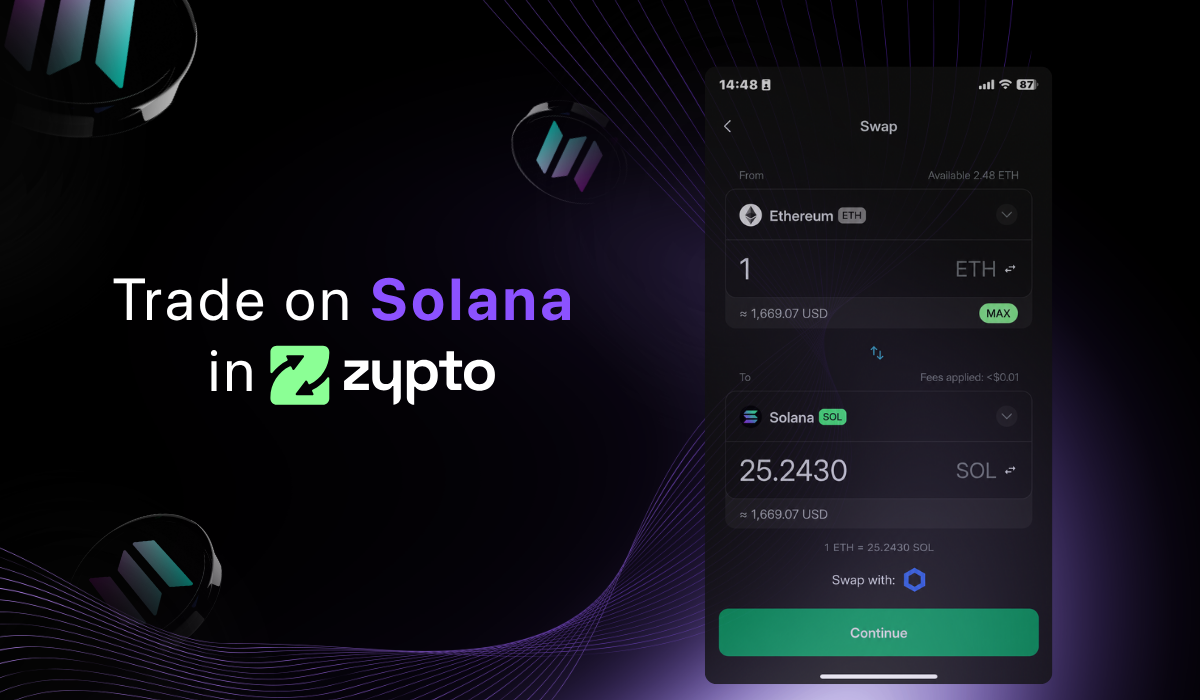
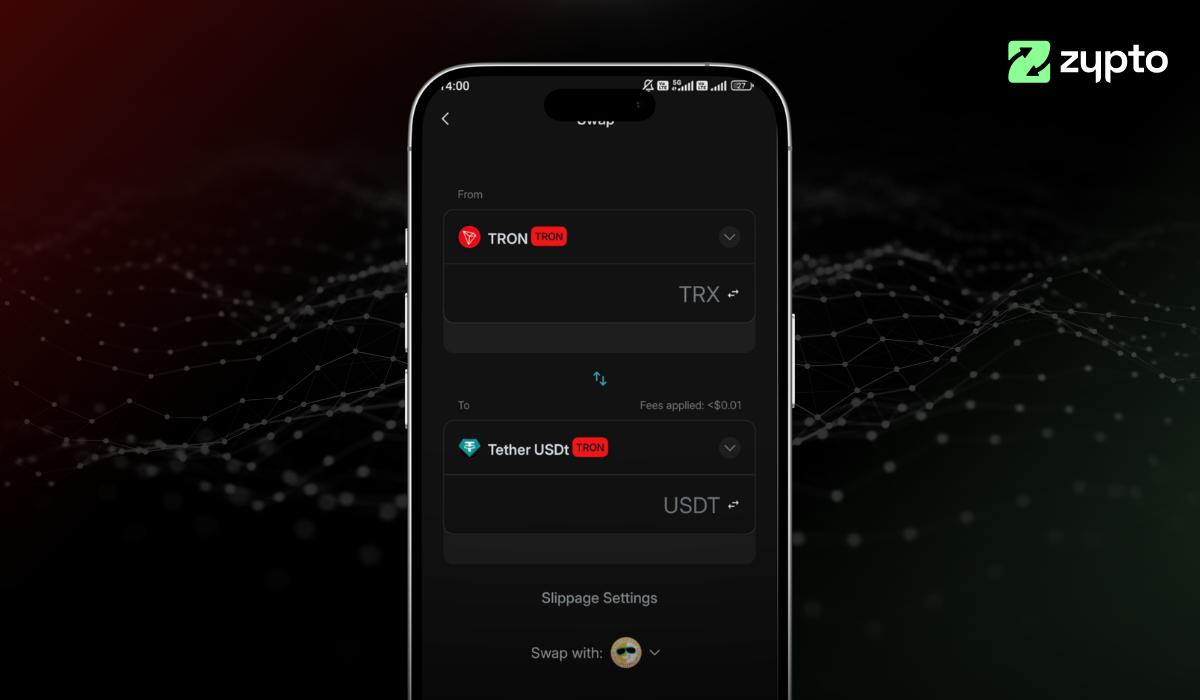
Yes, Zypto App integrates Raydium, the leading DEX on Solana, for direct in-app swaps between SPL tokens and other supported assets.
Is Zypto a non-custodial Solana wallet?
Yes, Zypto App is fully non-custodial. You control your recovery phrase, private keys, and access to your Solana wallet at all times.
How do I fund my Solana wallet in Zypto App?
You can transfer SOL from another wallet, use over 130 fiat onramps, or swap into SOL from other assets directly inside the Zypto App.








0 Comments