

If you’re searching for a secure Ripple wallet that does more than just store XRP, Zypto App gives you everything you need. It’s a powerful multi-chain wallet built for XRPL, with built-in multi-chain swaps, cold storage, real-world payment options, and full support for all tokens on the XPR Ledger, like SOLO and CORE.
Whether you’re holding XRP or exploring the wider XRPL ecosystem, this is the wallet that helps you do more.
Why XRPL Compatibility Matters for Your Ripple Wallet
XRP runs on the XRP Ledger, which is fast and efficient. Zypto App works straight out of the box with full XRPL support. It gives you features that simplify your XRP experience from day one.
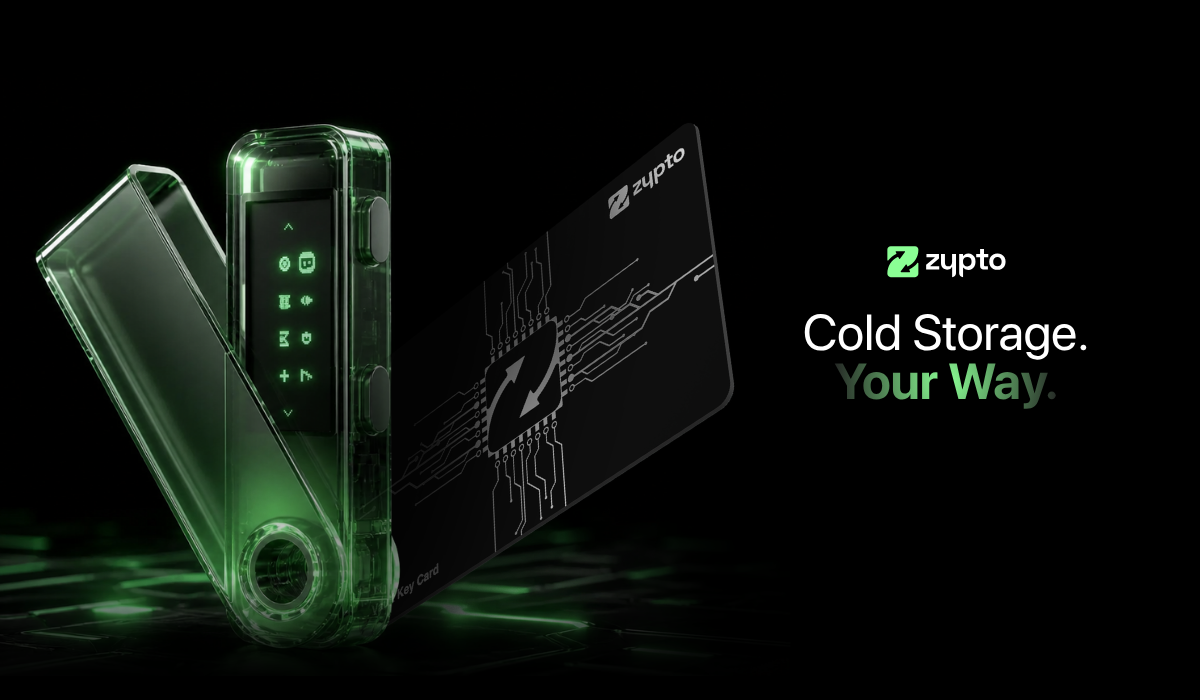
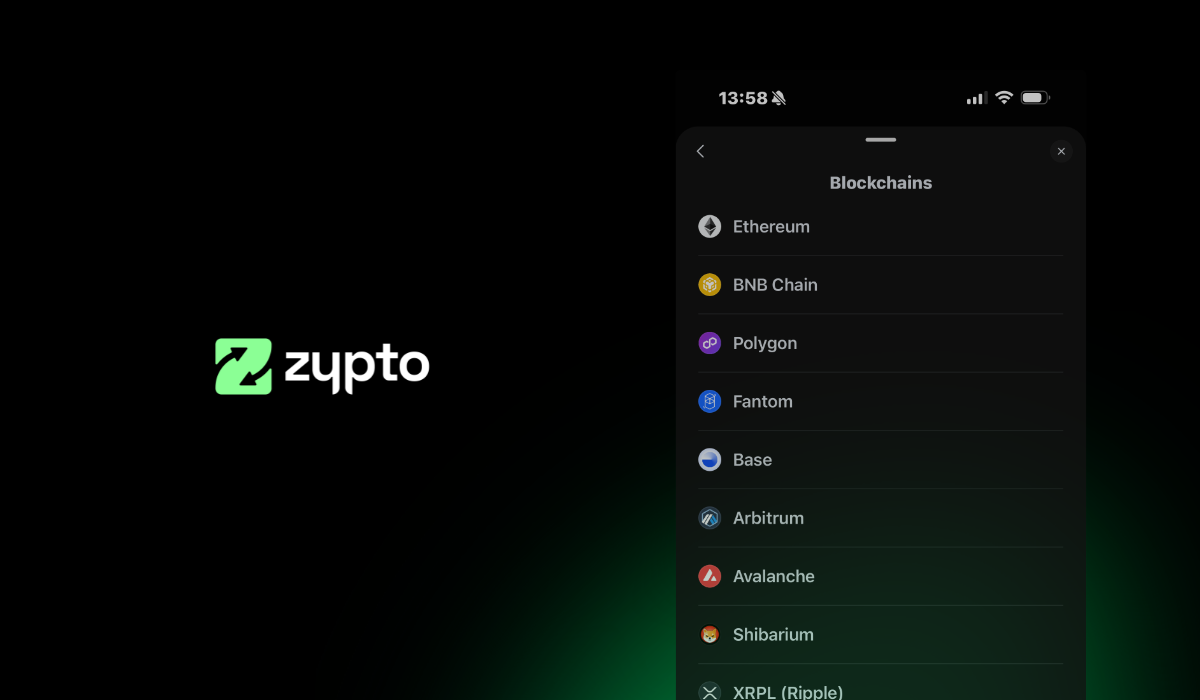
You get full support for XRP and all XRPL tokens. You also get access to more than 24,000 assets across 20 blockchains, as many wallets as you like, and optional cold storage via the Vault Key Card.
This makes Zypto App a powerful and complete XRP wallet, ready for action.
What You Can Do with Your XRP Wallet
Once your Ripple wallet is set up in Zypto App, you’re not just holding tokens. You’re gaining tools to unlock real utility.
Here are some of the ways people use their XRP wallet in Zypto –
- Send and receive XRP using correct memo tag formatting
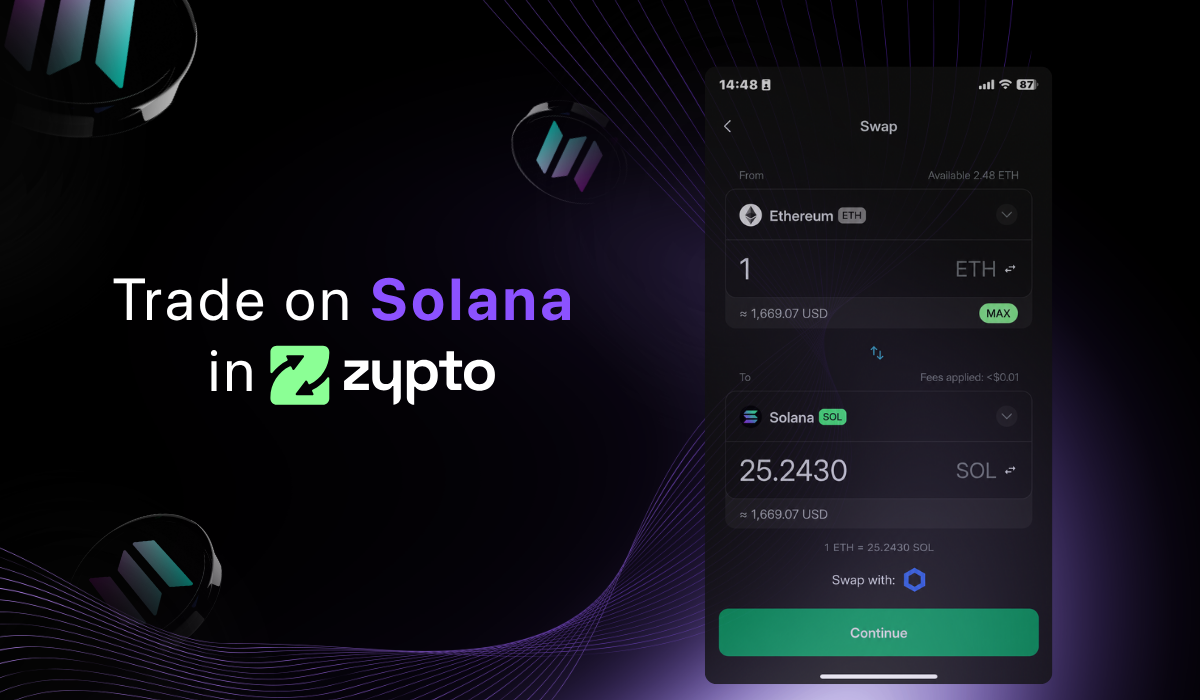
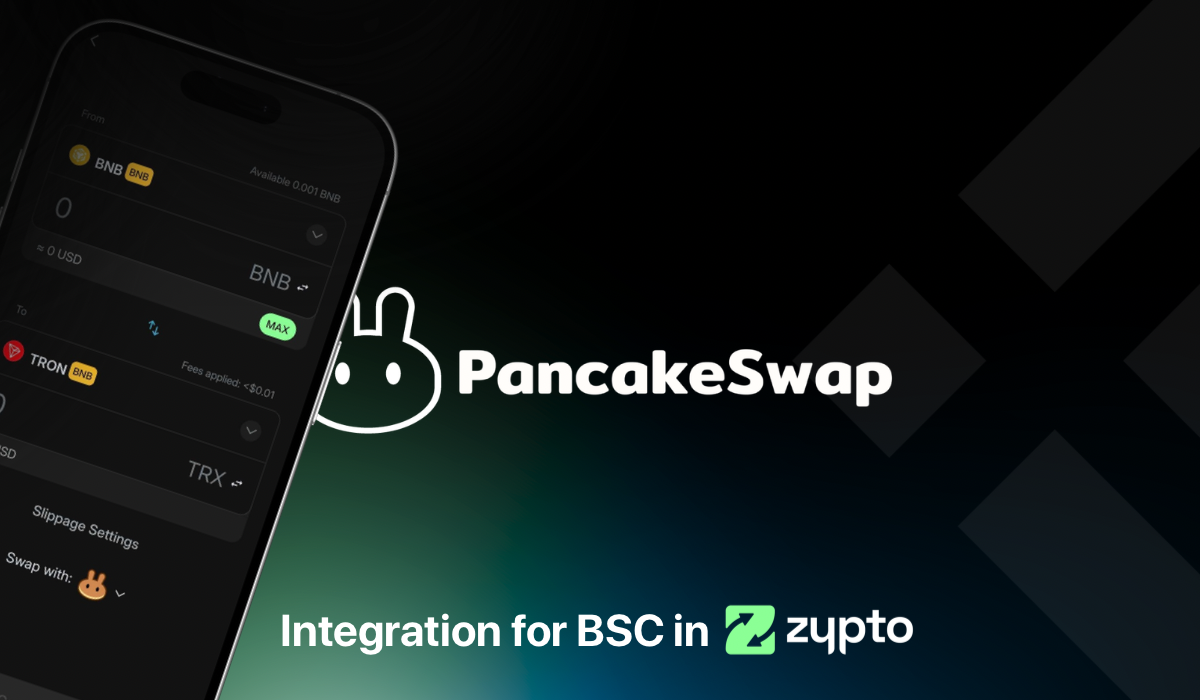
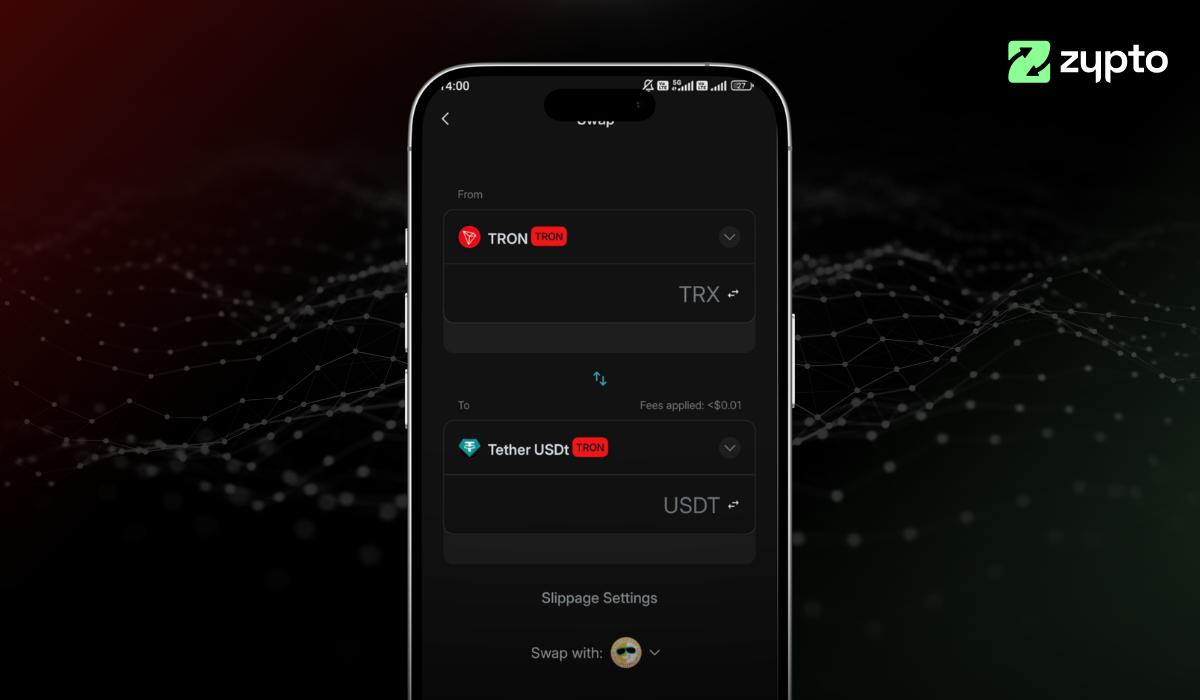
- Swap XRP across chains without needing bridges or browser plugins
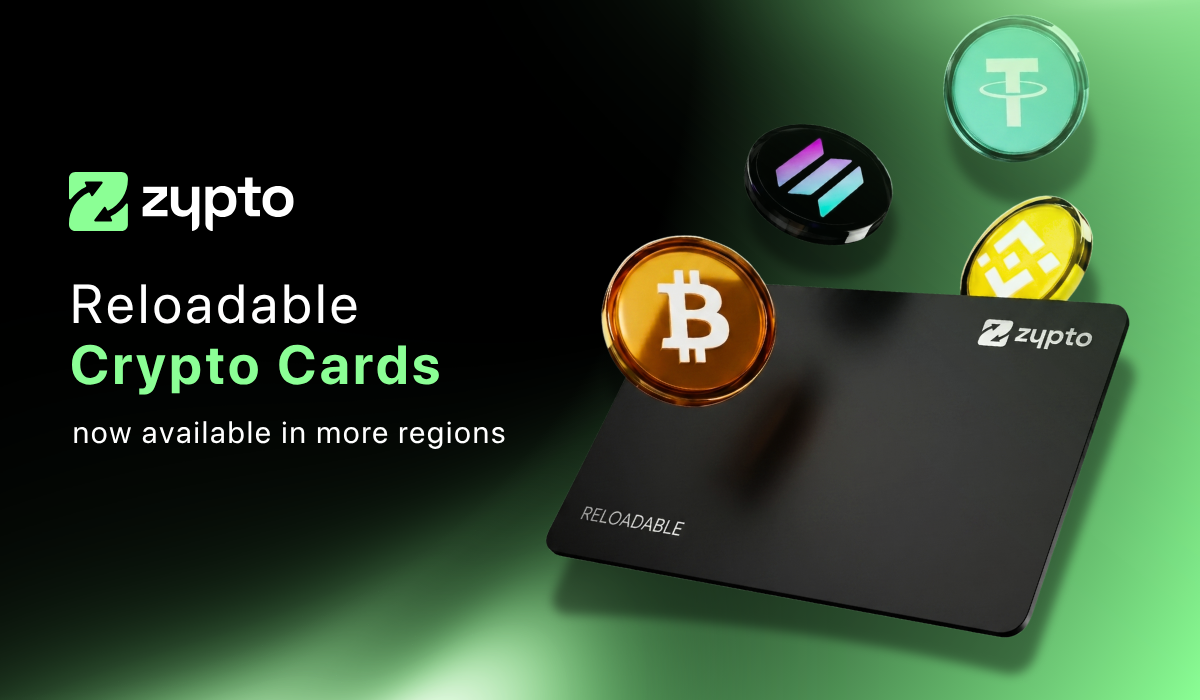
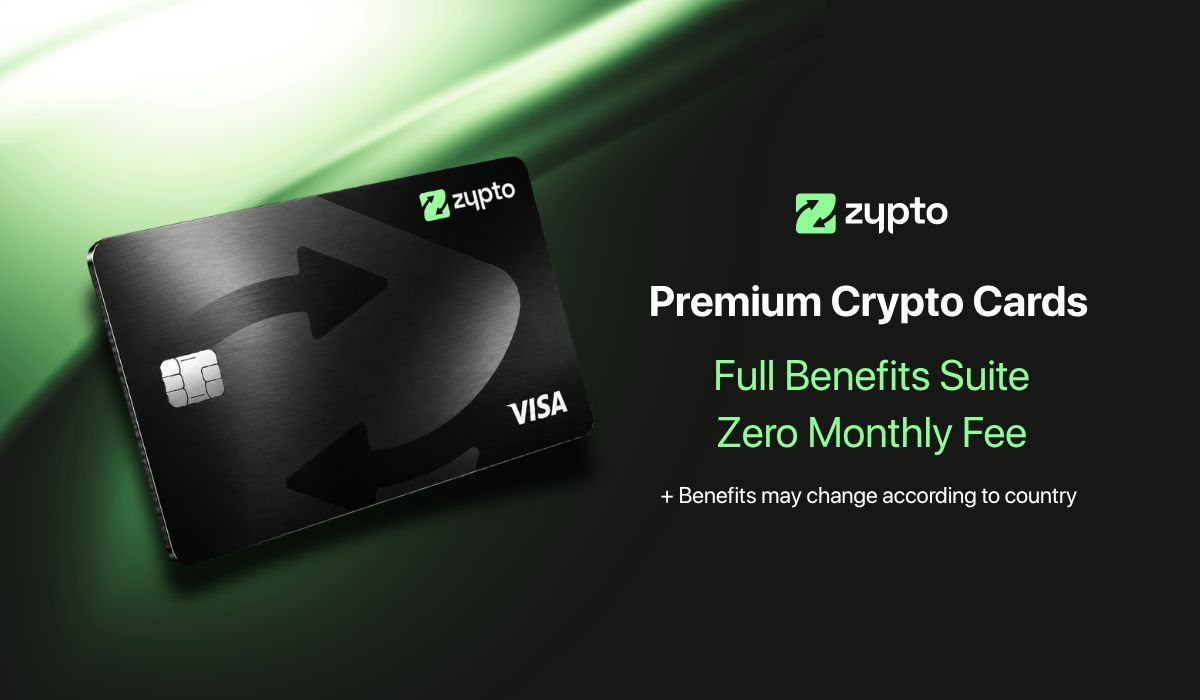
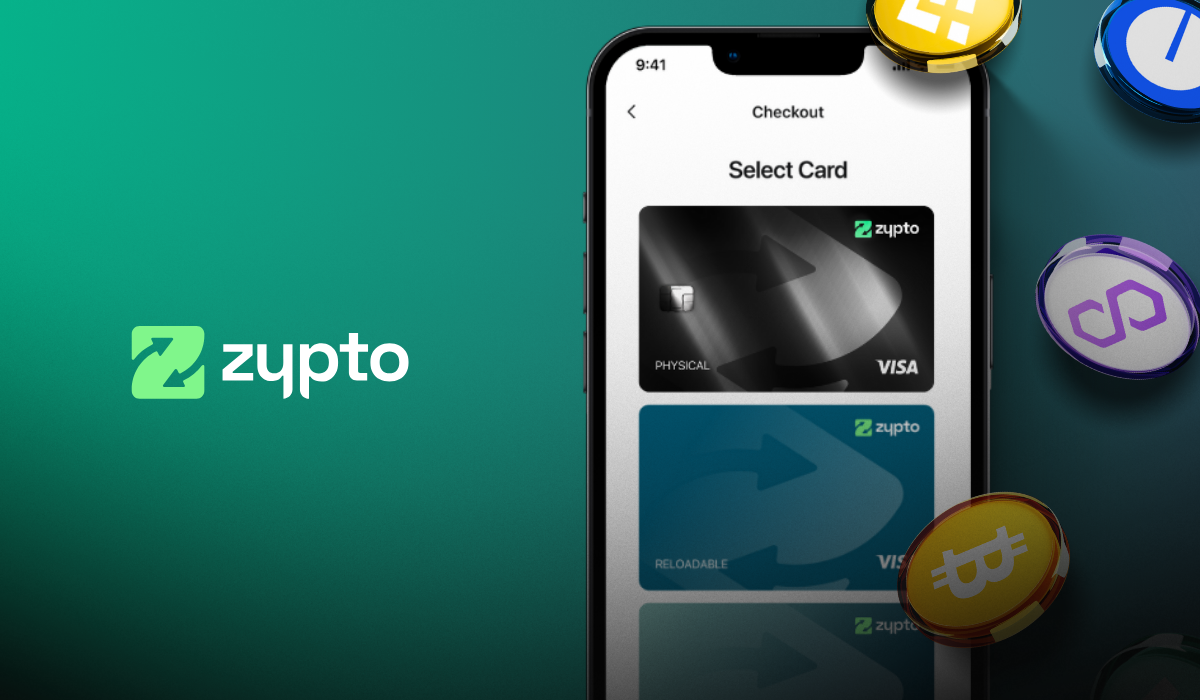
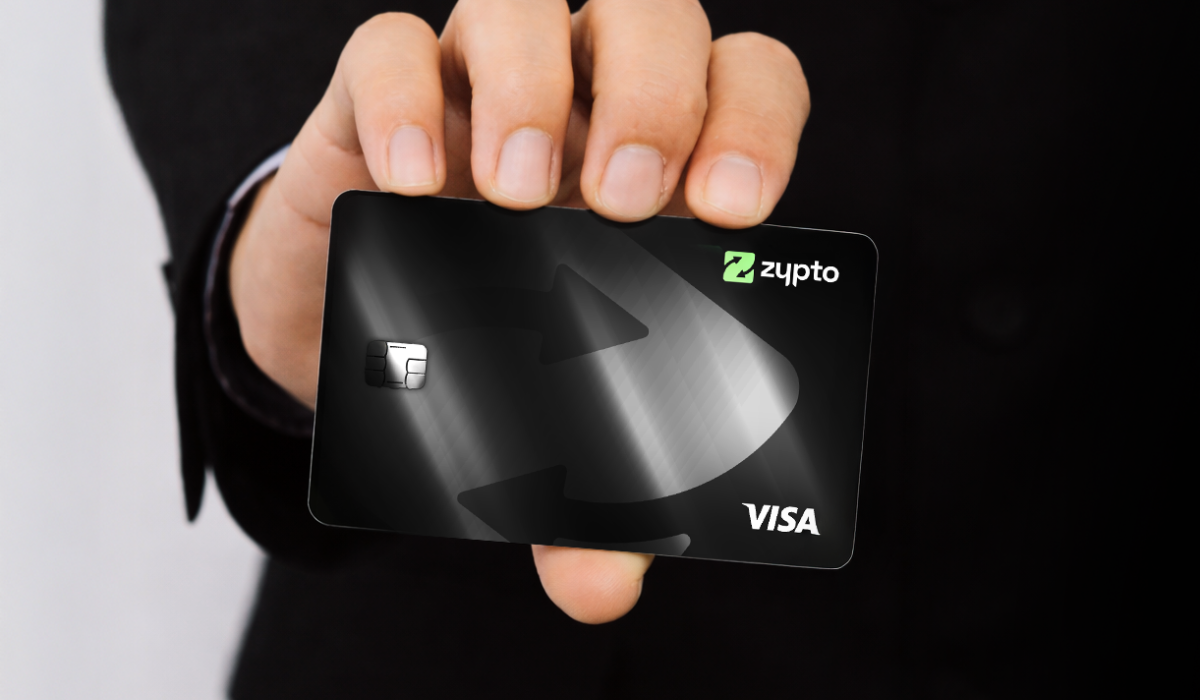
- Load a Zypto Visa card with XRP
- Pay bills with crypto in over 120 countries
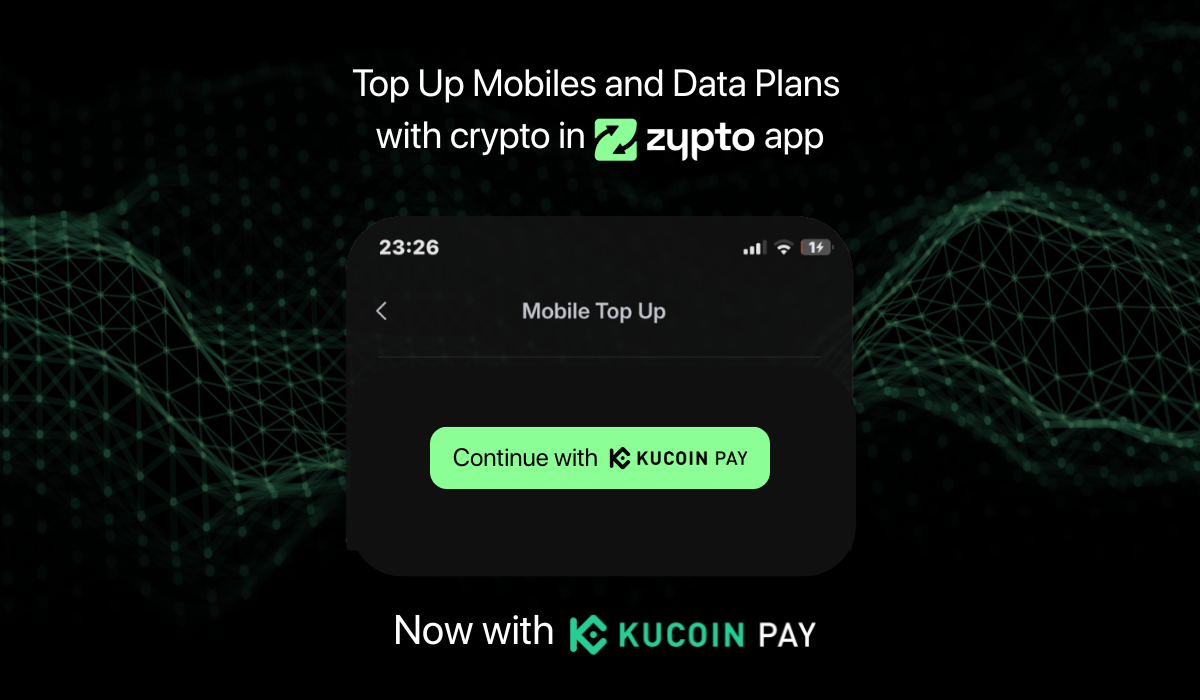
- Top up mobile phones or send airtime internationally
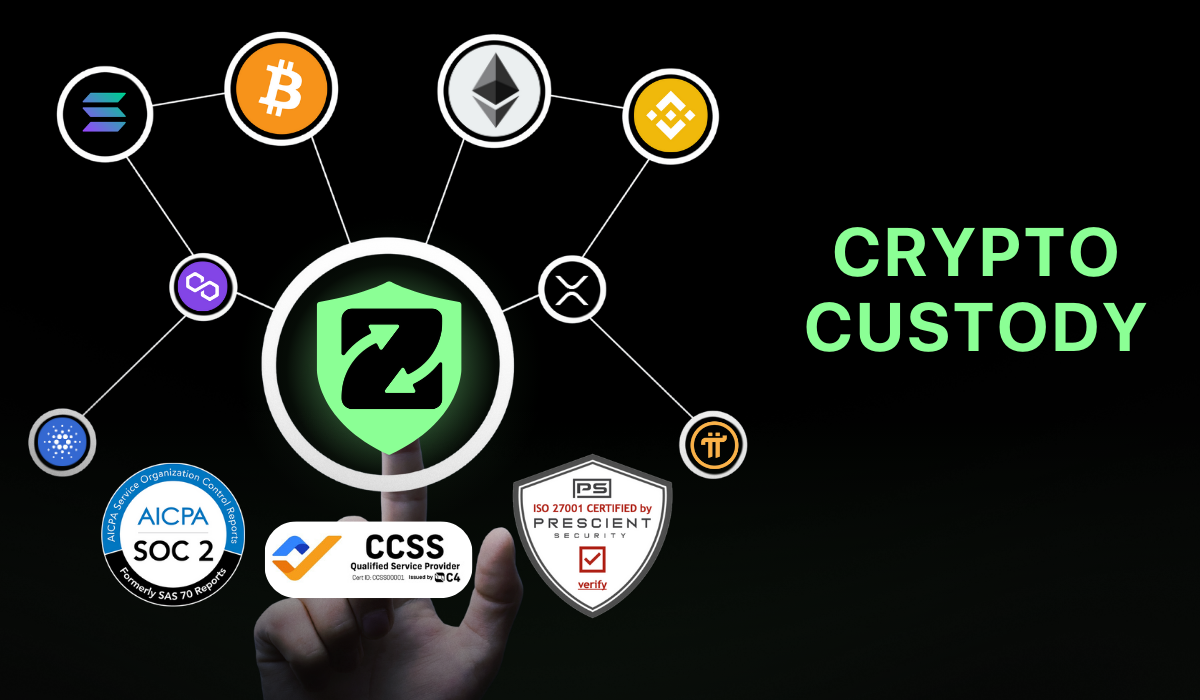
- Secure your wallet/s offline using the Vault Key Card
- Convert USDC to cash and cash to USDC in Zypto App at particilating MoneyGram locations
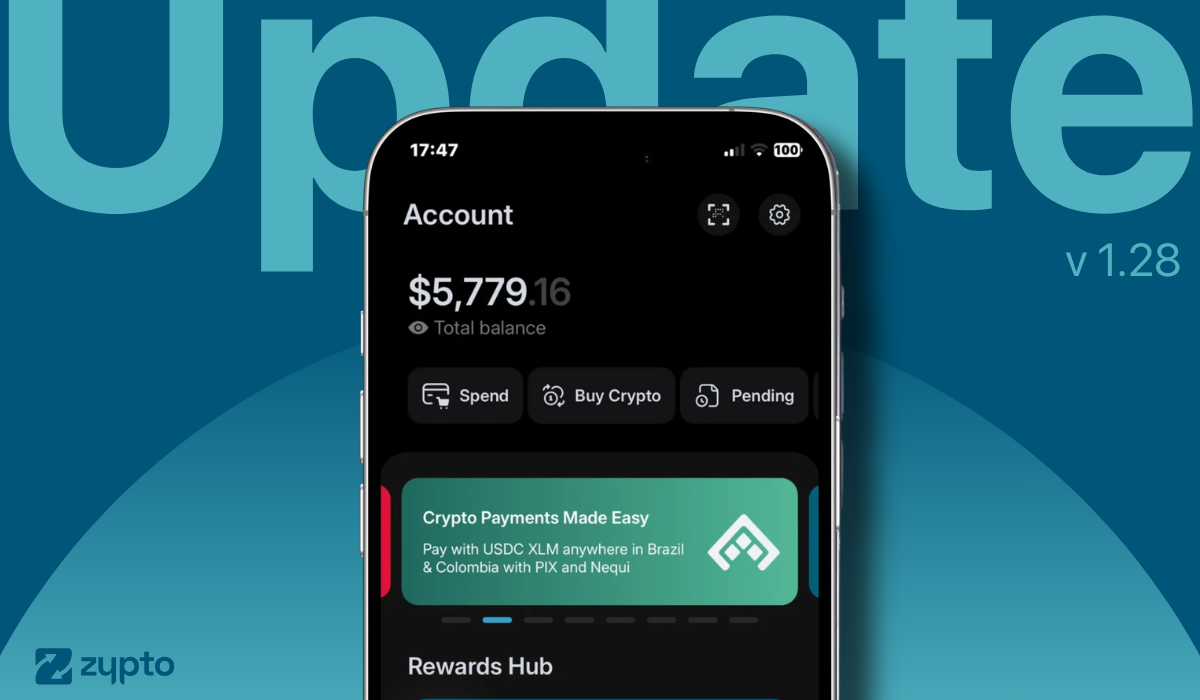
- Pay with USDC in Brazil using Pix or in Colombia via Nequi
You control it all directly in the app.
How to Set Up a XRP / Ripple Wallet in Zypto App
Getting started with a Ripple wallet in Zypto App takes just a few minutes. Follow these steps:
1. Download Zypto App
Download the app from the App Store or Google Play. It’s free and supports 25+ languages.
2. Create or import your wallet
Open Zypto App and choose to create a new wallet, or import an existing one using a recovery / seed phrase.
3. Secure your wallet
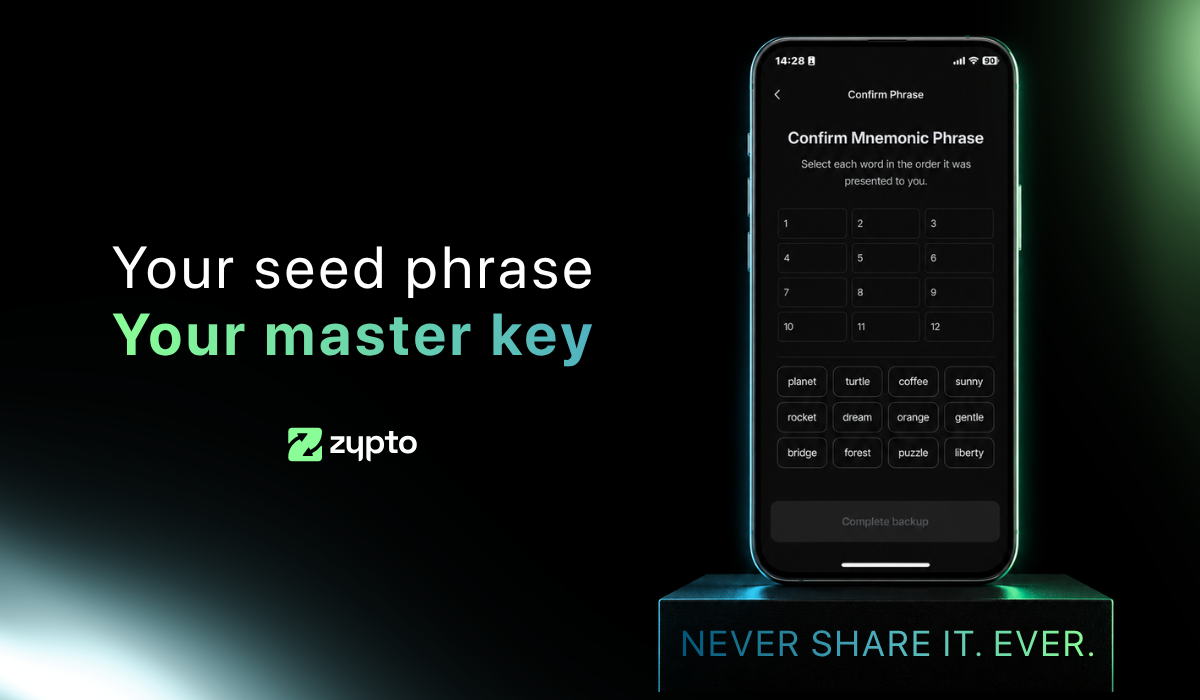
Write down your recovery phrase and keep it offline. Set up your app PIN and activate optional biometric login for added protection. Remember that Zypto is non-custodial, so only you ever control your keys.
4. Generate your Ripple address
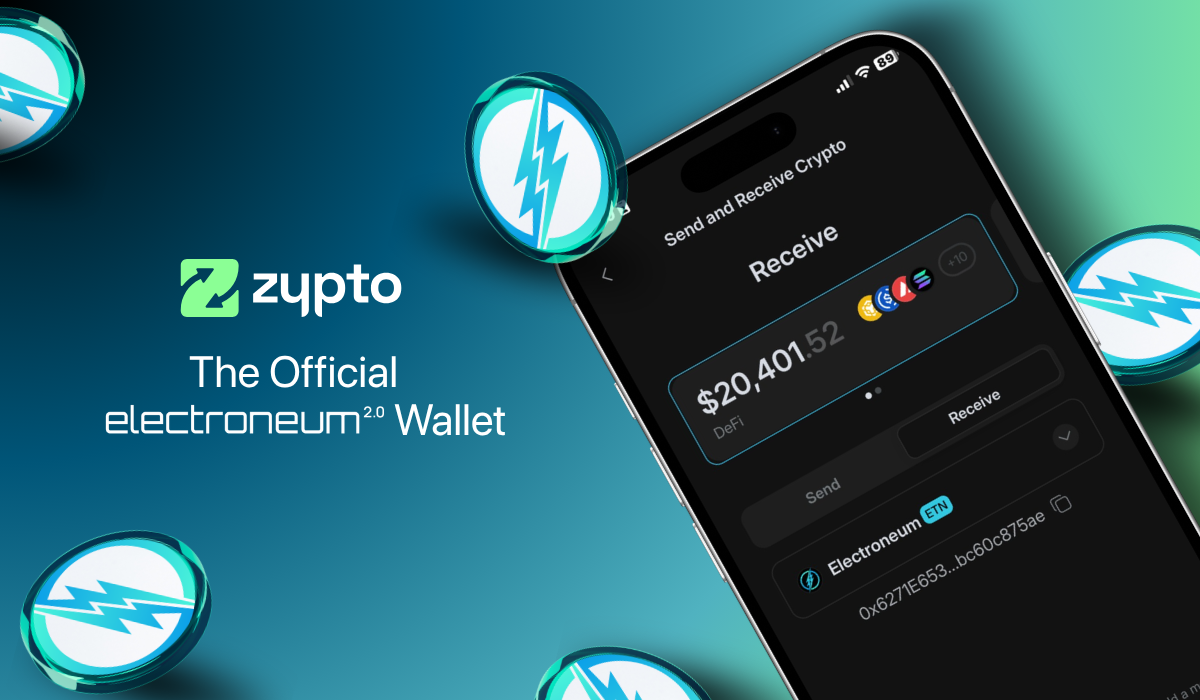
Select ‘Receive’ from the menu and search for XRP. Select it to generate a unique wallet address for sending and receiving XRP and XRPL-based tokens.
5. Add funds or connect onramps
Transfer XRP or XRPL-based tokens from another wallet, use Zypto’s 130+ fiat onramps, or swap into XRP directly in the app.
6. Start using Ripple
Manage tokens, connect to dApps, swap across multi chains, and use Ripple for real-world utility with Zypto crypto cards, crypto bill pay, mobile top-ups, and USDC cash-in and cash-out at participating MoneyGram locations worldwide.
Everything works without needing extra tools or manual setup.
A Ripple Wallet That Works Great on Android and iOS
Zypto App is fully optimized for Android. and IOS. You get a clean mobile experience, biometric security, integrated swaps, and fast access to features.
There’s no need to jump between apps or rely on browser-based tools. Your Ripple wallet stays mobile, fast, and ready to use.
Using Your XRP in DeFi and Real-World Payments
Zypto App doesn’t stop at storage. This is a wallet designed for action. You can swap, spend, off-ramp, and pay with your XRP and stablecoins, all from one place.
You might want to
- Swap XRP into stablecoins to lock in value during a dip
- Use another chain to reduce fees when sending crypto
- Pay bills or mobile top-ups using XRP or other tokens
- Convert USDC to cash with no bank needed via MoneyGram
- Spend your crypto with a Visa card accepted worldwide
This is what real crypto utility looks like. Zypto makes it possible.
Download Zypto App and Start Using Your Ripple Wallet Today
Zypto App gives you full control over your Ripple wallet. Whether you’re just getting started with XRP or you’re managing XRPL tokens across multiple chains, this is the wallet app that does more.
Swap, store, spend, and secure your assets from one slick interface.
Download Zypto App today and take your XRP further.
FAQs
What is the best Ripple wallet for Android?
Zypto App is one of the best Ripple wallets for Android, offering XRP storage, cross-chain swaps, and full XRPL support on mobile.
Can I download a Ripple wallet for free?
Yes. You can download Zypto App for free on the Google Play Store or Apple App Store and start managing your XRP in minutes.
Does Zypto App support the XRP Ledger (XRPL)?
Yes. Zypto App supports XRP on XRPL, allowing you to manage your tokens, sign transactions, and interact with XRPL features.
Can I swap XRP for other tokens in Zypto App?
Yes. Zypto App supports native swaps between XRP and thousands of other tokens, including cross-chain swaps with no bridges or plugins.
Is XRP supported for card loads and bill payments?
Yes. You can use XRP inside Zypto App to load crypto cards, pay bills in 126+ countries, or swap into stablecoins and other assets.






0 Comments