

New to Tron? Setting up a secure TRX / Tron wallet doesn’t need to be complicated. Whether you’re storing TRX, managing Trc20 tokens, or connecting to dApps, this guide walks you through the full setup in minutes.
Create Your TRX Wallet in Minutes
Getting started with a Tron wallet in Zypto App takes just a few minutes. Follow these steps:
1. Download Zypto App
Download the app from the App Store or Google Play. It’s free and supports 25+ languages.
2. Create or import your wallet
Open Zypto App and choose to create a new wallet, or import an existing one using a recovery / seed phrase.
3. Secure your wallet
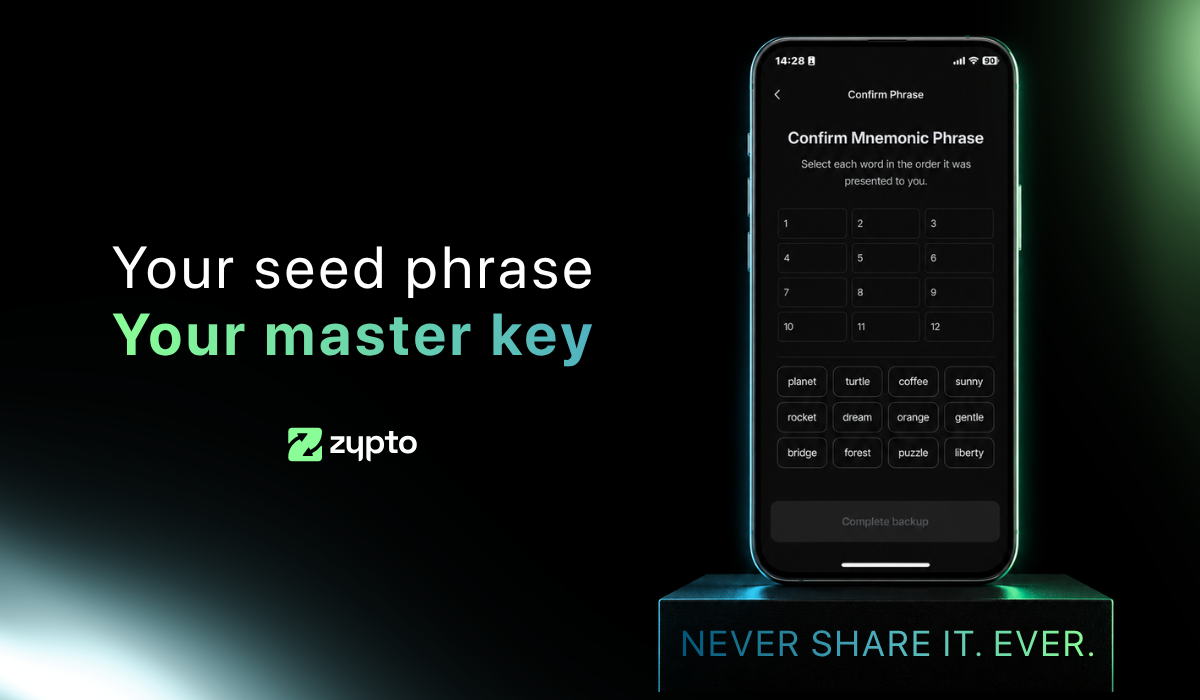
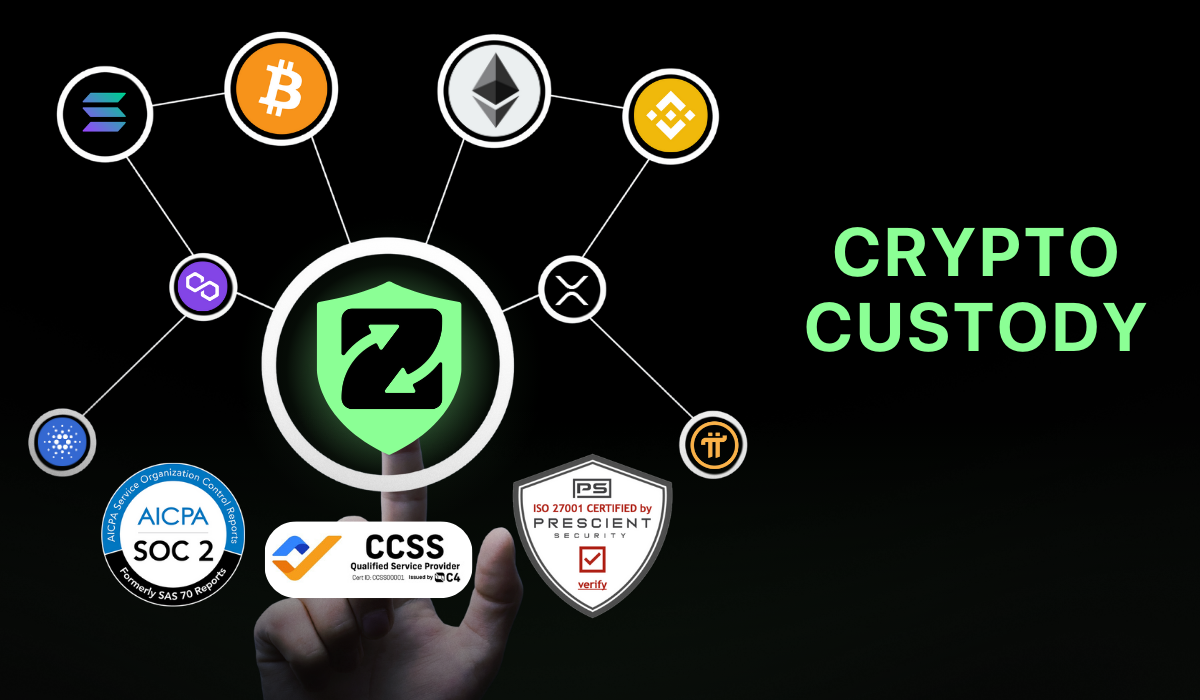
Write down your recovery phrase and keep it offline. Set up your app PIN and activate optional biometric login for added protection. Remember that Zypto is non-custodial, so only you ever control your keys.
4. Generate your Tron address
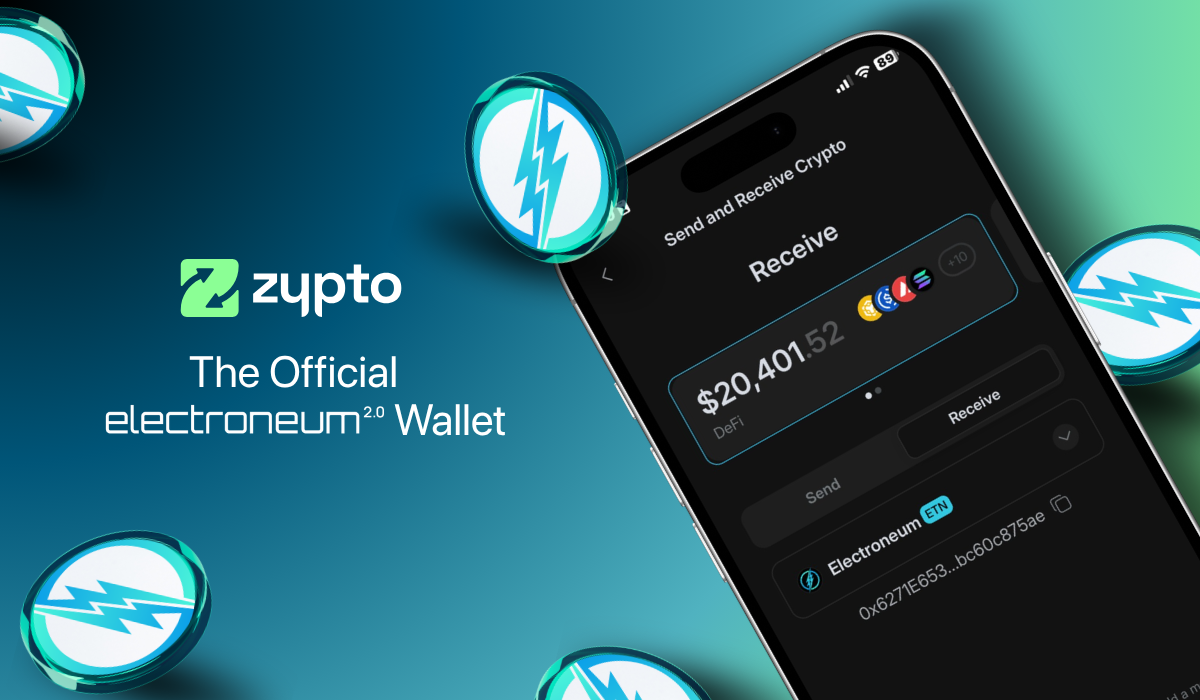
Select ‘Receive’ from the menu and search for TRX. Select it to generate a unique wallet address for sending and receiving TRX and Trc20-based tokens.
5. Add funds or connect onramps
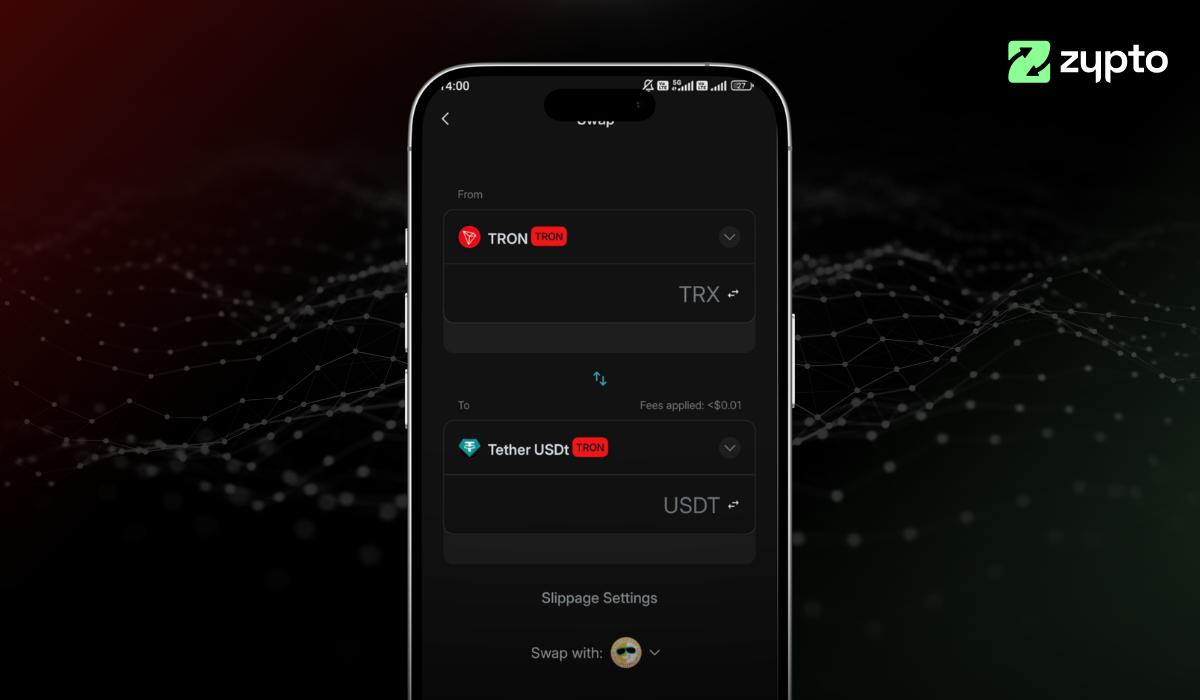
Transfer TRX or Trc20-based tokens from another wallet, use Zypto’s 130+ fiat onramps, or swap into TRX directly in the app.
6. Start using Tron
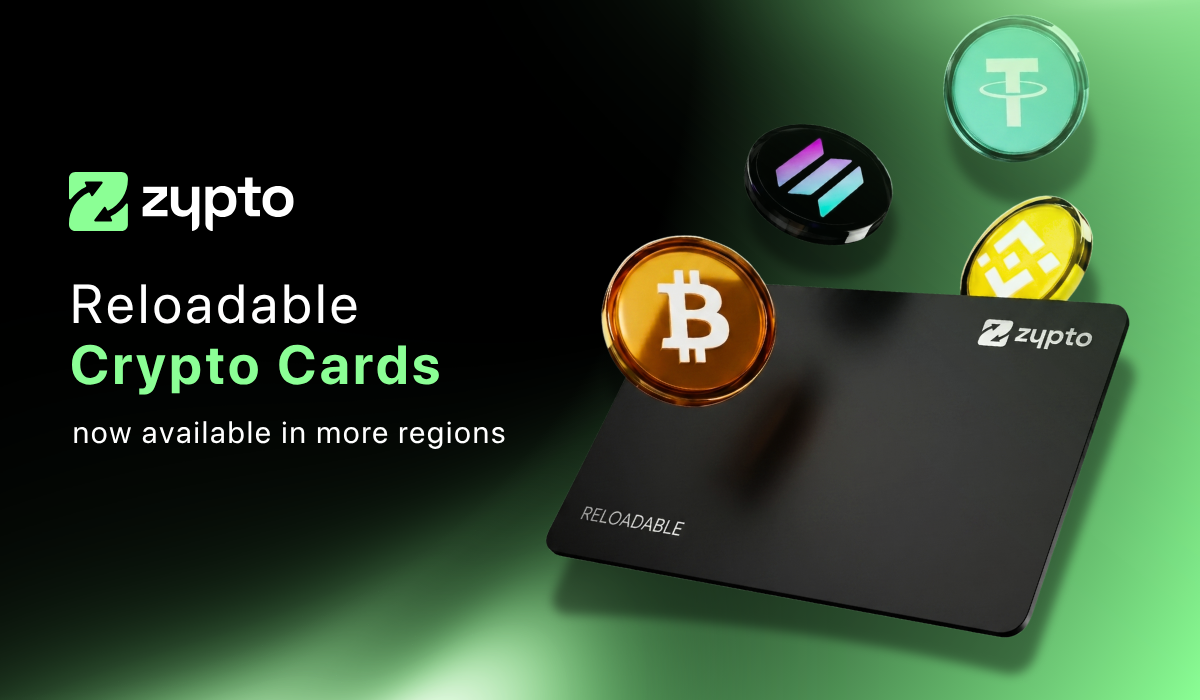
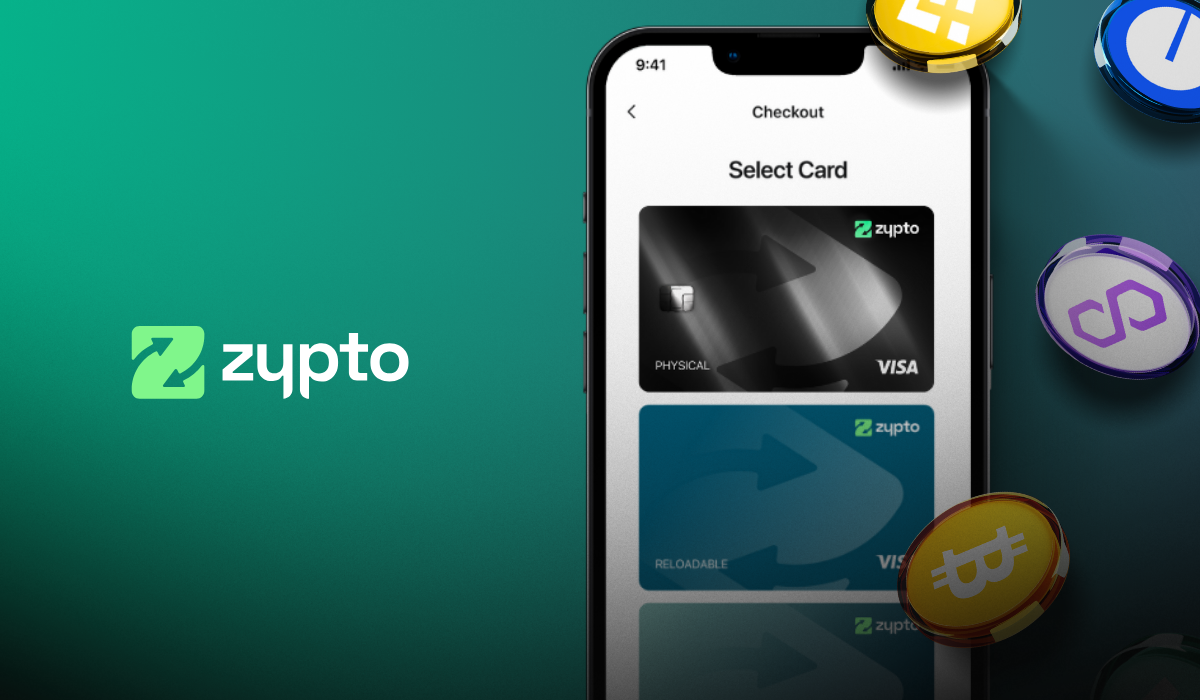
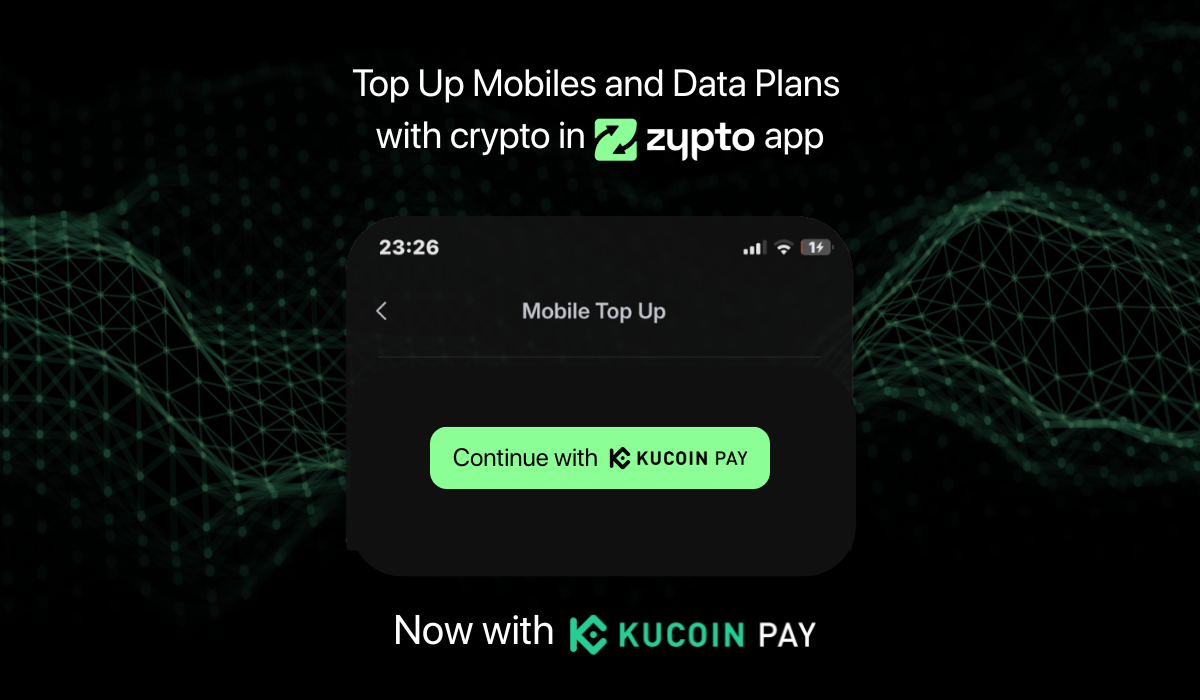
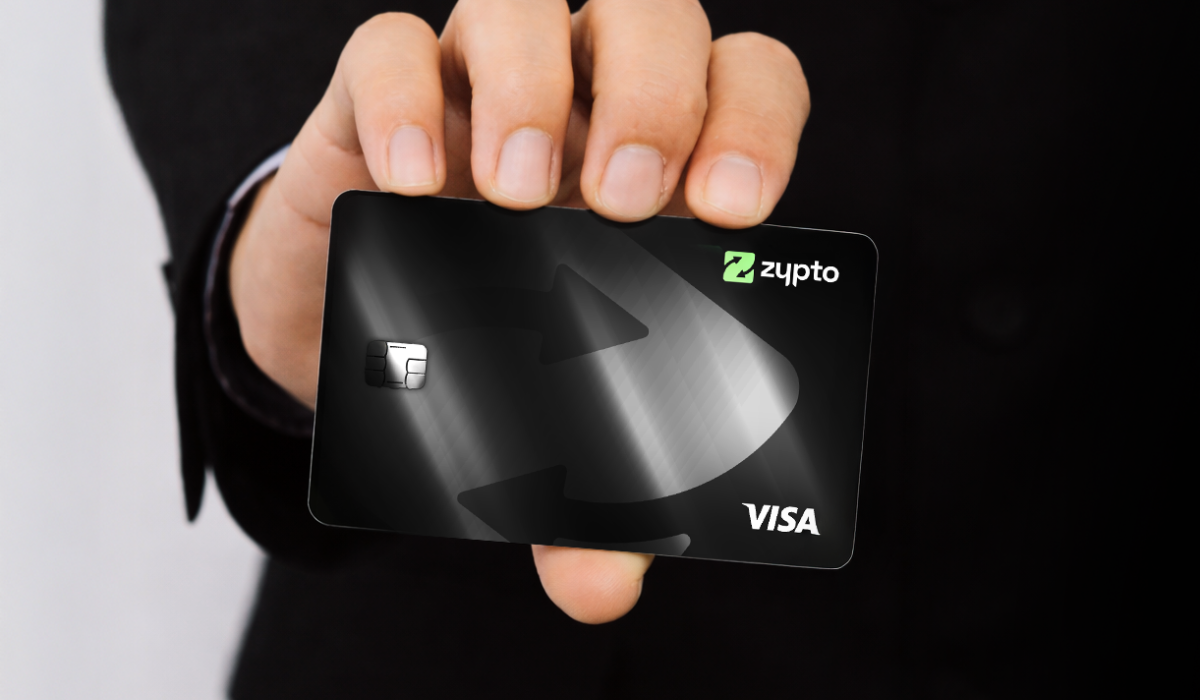
Manage tokens, connect to dApps, swap across multi chains, and use Tron for real-world utility with Zypto crypto cards, crypto bill pay, mobile top-ups, and USDC cash-in and cash-out at participating MoneyGram locations worldwide.
Why Use Zypto App for Tron?
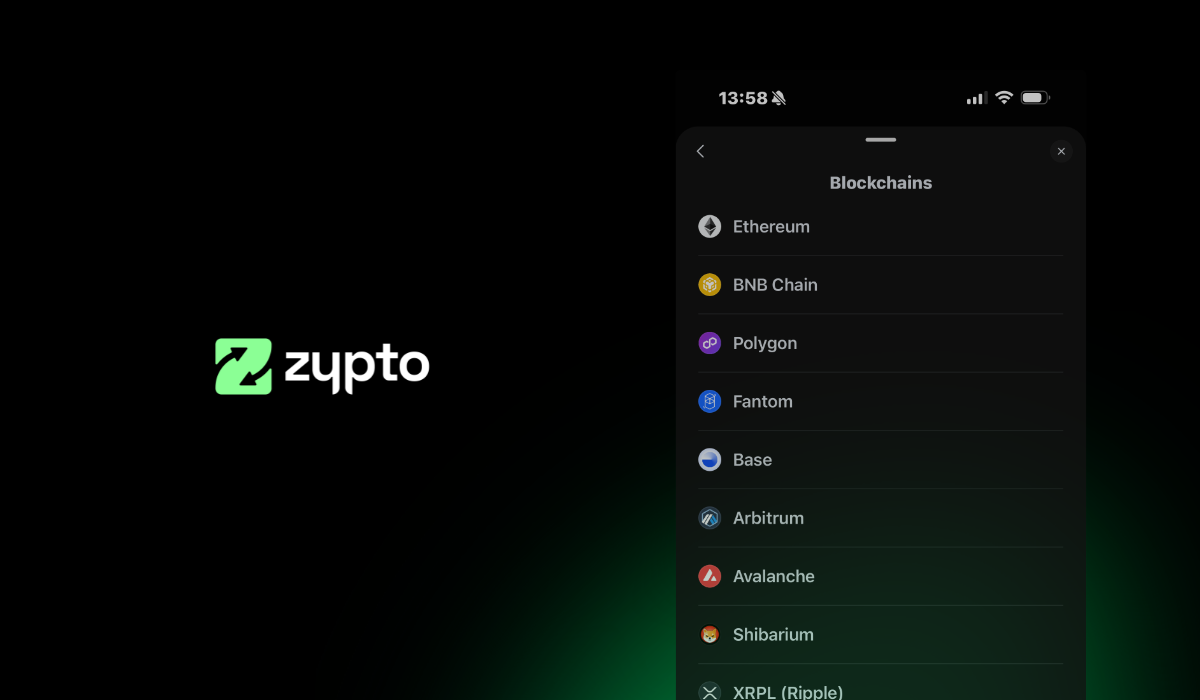
Zypto App isn’t just a wallet. It’s a powerful crypto toolkit that supports over 24,000 coins and tokens, cross-chain swaps, 130+ fiat onramps, and full Tron support. Whether you’re looking to store TRX securely or use your Tron assets for payments, Zypto App brings everything together in one place.
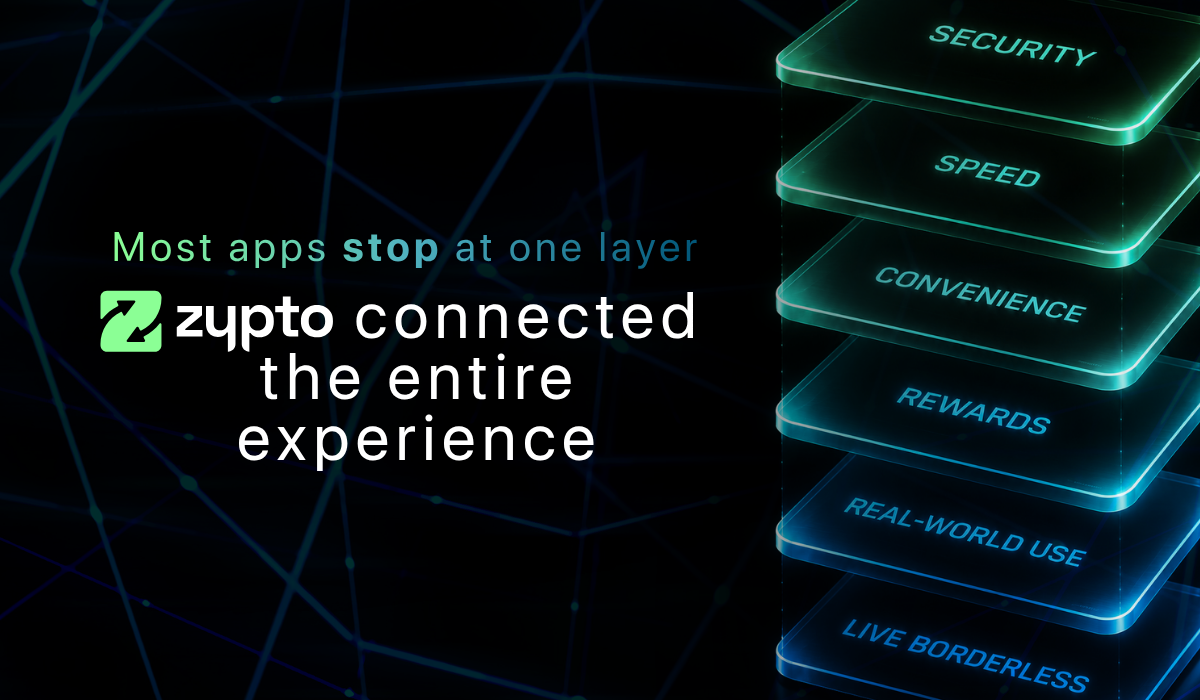
Everything You Need, in One App
You can connect to Web3 dApps on the Tron network, swap TRX with other assets directly in-app, and manage your portfolio across multiple chains – all from one sleek, mobile interface.
Zypto App also supports real-world spending and services, including crypto cards, bill payments with crypto, mobile top-ups, and USDC<>Cash in and out at participating MoneyGram locations. With built-in security features and support for thousands of assets, it’s the only app most users will ever need.
Explore More Wallet Guides
Want to explore other blockchain wallets? Learn how to set up and manage wallets for top networks like Ripple (XRP), and Polygon in just a few steps.
Ready to Try It?
Explore Zypto App and set up your Tron wallet today. Take control of your crypto with one of the most powerful and user-friendly DeFi wallets on the market.
FAQs
What is the best Tron wallet for beginners?
A good Tron wallet for beginners should be mobile-friendly, easy to set up, and support both TRX and TRC20 tokens. Look for features like recovery phrase backup, PIN protection, and simple in-app swaps.
Can I store TRC20 tokens in a Tron wallet?
Yes. A Tron-compatible wallet lets you hold both TRX and tokens built on the TRC20 standard. Just make sure the wallet supports the full range of TRC20 assets.
Do I need a seed phrase to set up a Tron wallet?
If you’re creating a new wallet, yes – the app will generate a unique recovery phrase (seed phrase) that lets you restore access if you lose your device. Always write it down and store it securely offline.
How do I receive TRX in my wallet?
After creating or importing your wallet, go to the Receive section, search for TRX, and tap to generate your Tron wallet address. You can use this address to receive TRX or TRC20 tokens from another wallet or exchange.
Can I use Tron for real-world payments?
Yes. Depending on the wallet you use, you may be able to connect your Tron balance to services like crypto cards, bill pay, mobile top-ups, and other Web3 integrations that accept TRX or USDT on Tron.




0 Comments