

The Ethereum Virtual Machine (EVM) powers most of today’s Web3 world. It’s the standard for building smart contracts and running decentralized apps across dozens of blockchains.
An EVM wallet app gives you access to these blockchains, allowing you to store tokens, interact with dApps, and connect to DeFi, NFTs, and Web3 gaming.
If you want to explore the majority of Web3, you need a reliable EVM wallet app.
Why an EVM Wallet Matters
Most of the biggest names in DeFi and NFTs run on EVM-compatible chains. Ethereum, Polygon, BNB Chain, Avalanche, Arbitrum, and Optimism are all built on the same EVM standard.
That means one wallet can unlock an entire ecosystem – provided it’s secure, flexible, and non-custodial. A good EVM wallet app should let you hold your keys, swap across chains, and connect directly to dApps.

Why Zypto Is the Best EVM Wallet App
The Zypto EVM Wallet App is designed for users who want more than just token storage. It’s built for multi-chain DeFi and real-world utility.
With Zypto, you can –
- Store and manage 24,000+ assets across EVM and non-EVM chains
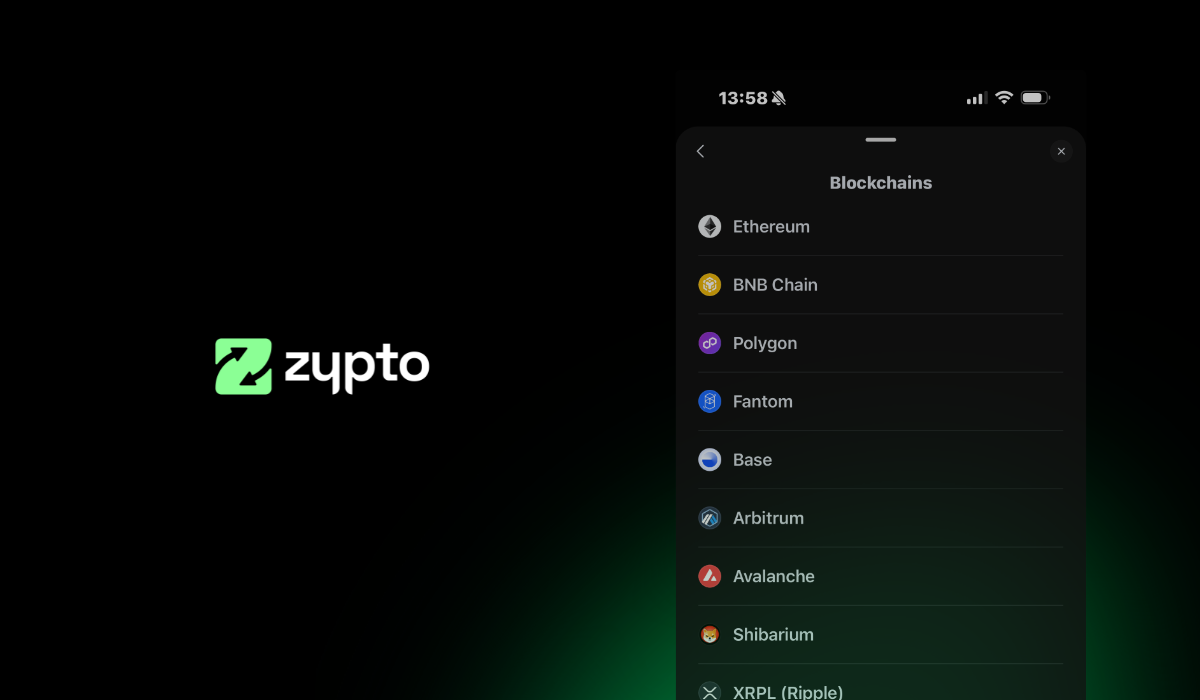
- Connect to Ethereum, Polygon, BNB Chain, Arbitrum, Optimism, Avalanche, and more
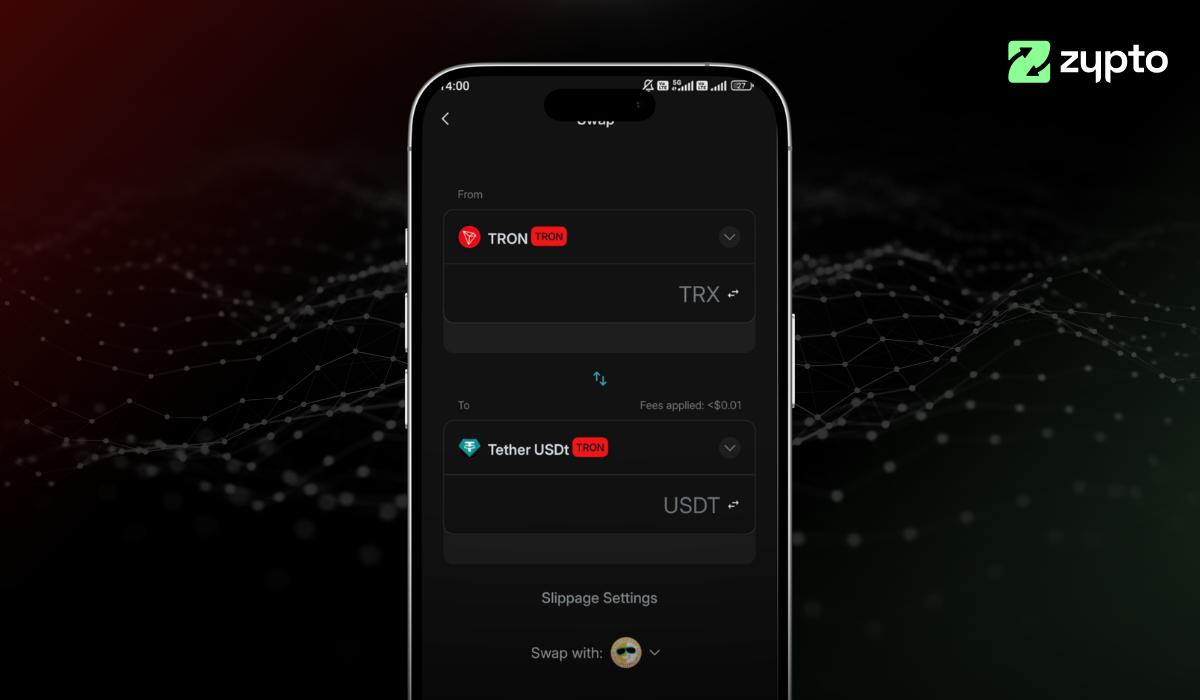
- Swap tokens across blockchains with built-in bridges
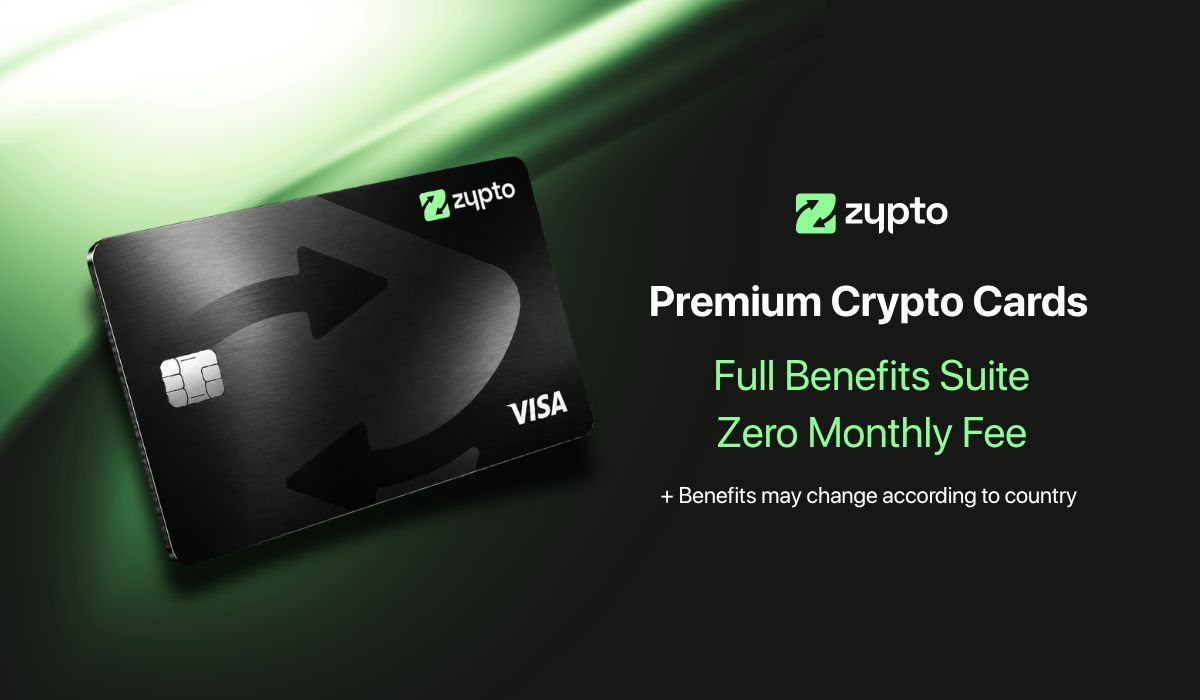
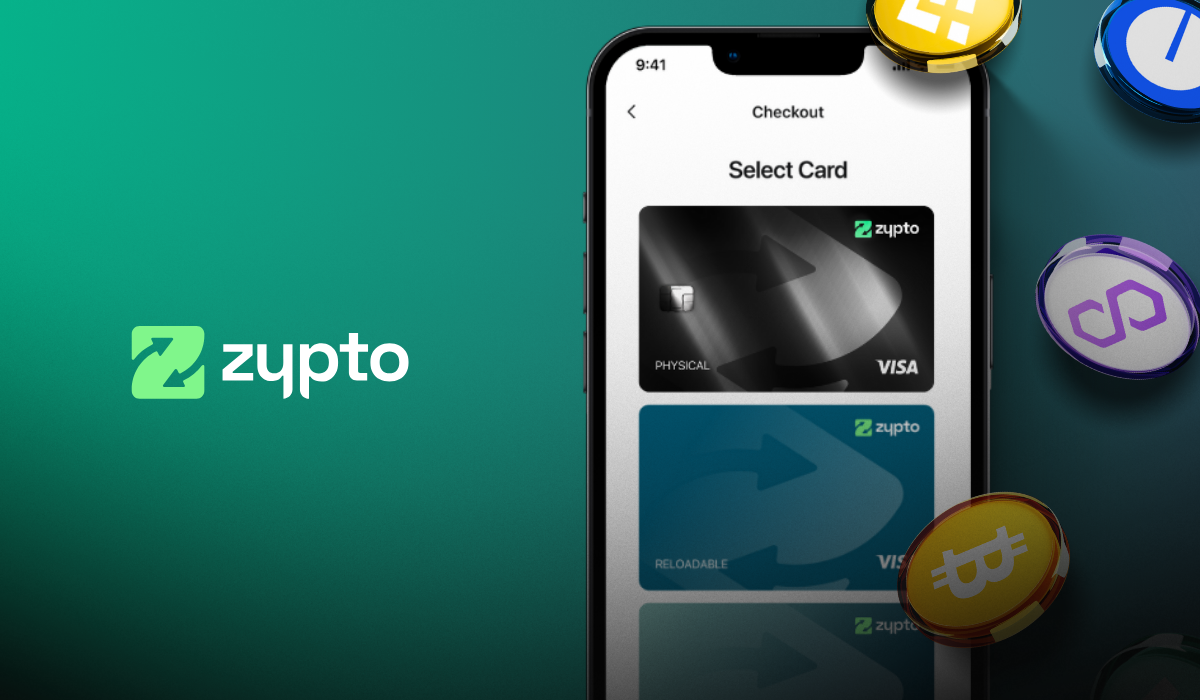
- Pair your wallet with Zypto crypto cards for real-world spending
- Use the Vault Key Card for 3FA cold storage security
Key Features of the Zypto EVM Wallet App
Zypto brings everything you need into one app –
- Multi-chain compatibility: Access Ethereum, Polygon, BNB Chain, Arbitrum, Optimism, Avalanche, and beyond
- Secure, non-custodial storage: You control your private keys
- Cross-chain swaps and staking: Move and grow your assets without leaving the app
- dApp and NFT connectivity: Connect instantly to DeFi, marketplaces, and games
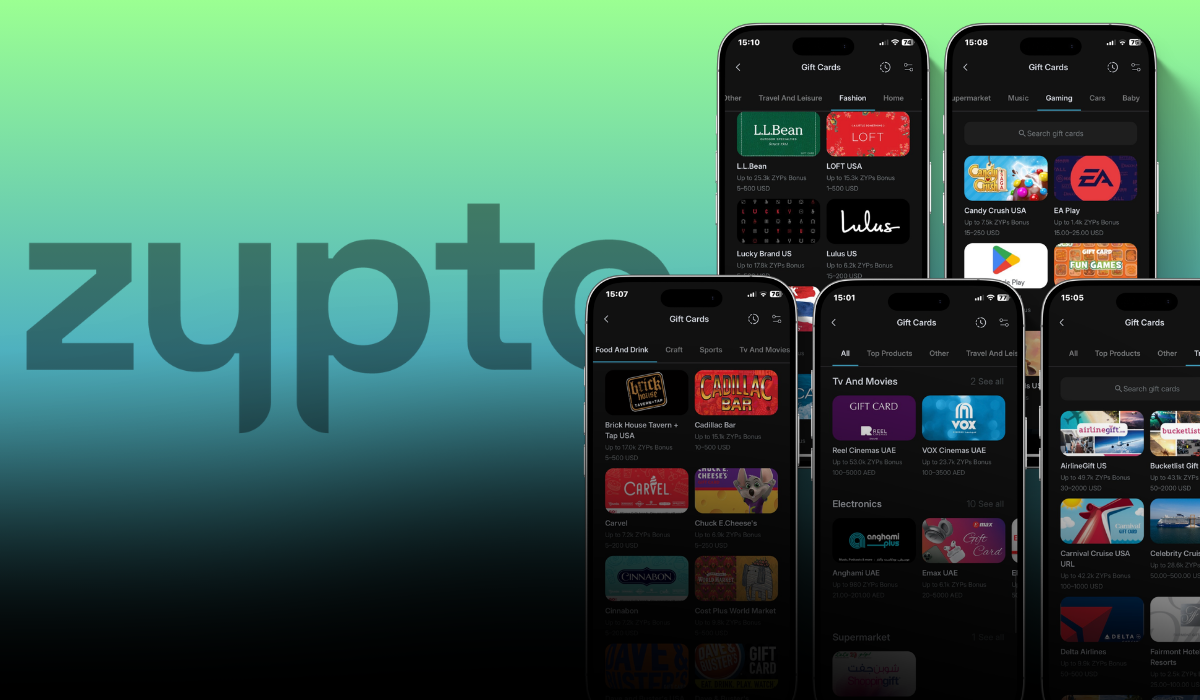
- Real-world integrations: Pay bills, buy gift cards, and top up mobiles with your crypto

How to Set Up a EVM Tokens / EVM Assets Wallet in Zypto App
Getting started with a EVM Assets wallet in Zypto App takes just a few minutes. Follow these steps:
1. Download Zypto App
Download the app from the App Store or Google Play. It’s free and supports 25+ languages.
2. Create or import your wallet
Open Zypto App and choose to create a new wallet, or import an existing one using a recovery / seed phrase.
3. Secure your wallet
Write down your recovery phrase and keep it offline. Set up your app PIN and activate optional biometric login for added protection. Remember that Zypto is non-custodial, so only you ever control your keys.
4. Generate your EVM Assets address
Select ‘Receive’ from the menu and search for EVM Tokens. Select it to generate a unique wallet address for sending and receiving EVM Tokens and EVM-based tokens.
5. Add funds or connect onramps
Transfer EVM Tokens or EVM-based tokens from another wallet, use Zypto’s 130+ fiat onramps, or swap into EVM Tokens directly in the app.
6. Start using EVM Assets
Manage tokens, connect to dApps, swap across multi chains, and use EVM Assets for real-world utility with Zypto crypto cards, crypto bill pay, mobile top-ups, and USDC cash-in and cash-out at participating MoneyGram locations worldwide
Final Word: The Best EVM Wallet App for Everyday Use
If you’re looking for the best EVM wallet app, Zypto gives you everything: multi-chain access, advanced security, and real-world utility.
Download Zypto today and experience the full power of EVM wallets.
FAQs
What is an EVM-compatible wallet?
An EVM-compatible wallet supports blockchains built on the Ethereum Virtual Machine, such as Ethereum, Polygon, BNB Chain, Arbitrum, Optimism, and Avalanche.
Which blockchains are supported by an EVM wallet?
EVM wallets support chains like Ethereum, Polygon, BNB Chain, Avalanche, Arbitrum, and Optimism. Zypto supports these and many more.
Is Zypto an EVM-only wallet?
No. Zypto supports both EVM and non-EVM blockchains, enabling access to over 24,000 assets across multiple chains.
Can I use an EVM wallet to connect to DeFi apps?
Yes. Zypto lets you connect directly to DeFi dApps, NFT platforms, and Web3 games on EVM blockchains through the in-app browser.
How secure is an EVM wallet app like Zypto?
Zypto is a non-custodial wallet, meaning you control the private keys for your assets. Funds remain onchain, and advanced users can enable cold storage with the Vault Key Card for added security.







0 Comments